











Many people starting out with overseas forex trading are probably wondering things like, "Which overseas forex brokers allow trading using only a smartphone app?" and "Which app is the easiest to use?"
Smartphone apps that can be used for overseas forex trading includeThere are three types: the broker's own app, the MT4/MT5 app, and the cTrader appThere are such cases. Especially if it's a proprietary app developed in-house by the vendor,You can complete everything from opening an account to deposits, withdrawals, and trading using just your smartphone。
This article will10 recommended overseas forex brokers that support their own smartphone apps, and explain the features, selection points, advantages, and disadvantages of each type of app, so please use it as a reference.
Conclusion | Key points for choosing a smartphone app for overseas forex trading
- Overseas forex tradingcan be done using only a smartphone app. With a broker's proprietary app, you can complete account opening, deposits and withdrawals, and trading all within the app (MT4/MT5 apps are for trading only and do not allow deposits or withdrawals).
- apps: a proprietary app, MT4/MT5, and cTrader. If ease of use is your priority, use the proprietary app; however, for EAs and advanced analysis, using it in conjunction with MT4/MT5 is the standard approach.
- The criteria for selection areapp functionality, vendor security, and Japanese language support. Transaction costs can be further reduced by using cashback sites in conjunction.
*This article was created by the MoneyCharger editorial team in accordance with our content creation policy , by individually checking information from each broker's official website and official app store (as of August 2026). App functions and trading conditions may change, so please be sure to check the latest information on each broker's official website. For precautions regarding the use of overseas FX brokers, please also check the information published by the Financial Services Agency , and for consumer troubles, please check the information published by the Consumer Affairs Agency .
Beginners in overseas forex trading are strongly encouraged to read the Complete Guide to Overseas Forex Trading for Beginners
What are smartphone apps for overseas forex trading?
What are smartphone apps for overseas forex trading?A tool for conducting FX trading using a smartphone appThat's what it is
When you hear "FX trading," you might imagine someone staring at charts in front of a large monitor, but if you use an overseas FX broker that supports smartphone apps,you can trade FX even while commuting or taking a break at work.
However, using apps with poorly formatted charts or lacking analytical features can make it difficult to trade based on solid reasoning. Furthermore, when using apps from overseas forex brokers,whether they support Japaneseis an important point to consider.
Types and Features of Overseas Forex Smartphone Apps [3 Types Compared]
There are three types of smartphone apps for overseas forex trading, each with different features. We've summarized the differences in a table below
| item | Vendor's proprietary app | MT4/MT5 app | cTrader app |
|---|---|---|---|
| Transaction (order) | ○ | ○ | ○ |
| In-app deposits and withdrawals | ○ (Possible in many apps) | × | × |
| Open an account within the app | ○ (Compatible app available) | × | × |
| Managing accounts with multiple vendors | × (For that vendor only) | ○ | ○ |
| Chart and analysis functions | By vendors (including apps that use TradingView) | Approximately 30 types of indicators (38 types in the MT5 app) | Over 60 types of indicators |
| Suitable people | Beginners and those who want to complete everything on their smartphones | EA User and Multiple Account Management | Intermediate to advanced players who focus on scalping |
We will explain each of these in detail
Overseas FX broker's proprietary smartphone app
Some overseas forex brokers, in order to compensate for the shortcomings of the MT4/MT5 and cTrader apps described later,We develop and provide our own smartphone apps equipped with unique features。
- Window
- Some apps offer a wide variety of indicators
- You can make deposits and withdrawals through the app
The proprietary app features a simple and user-friendly interface, and offers high convenience, including the ability to deposit and withdraw funds from within the app, which is not possible with the MT4/MT5 app
Many proprietary apps are designed to be easy for FX beginners to use, so if you're unsure which app to use,a good idea to start by trying the broker's proprietary app.
MT4/MT5 app
A trading platform available from many overseas forex brokersThere are also smartphone apps for "MT4" and "MT5"。
The MT4 and MT5 smartphone appsallow you to manage multiple FX brokers and multiple accounts within a single app. The advantage is that you don't need separate apps for each broker or account.
The MT4 app's analysis features are as follows, allowing you to perform full-fledged chart analysis even from your smartphone
- Chart types: 3 types
- Timeframes: 9 types (21 types in the MT5 app)
- Technical indicators: 30 types
- Drawing tools: 24 types
Those who run EAs (automated trading systems) on their home PCs can check their operating status and profit/loss from a smartphone app. However, unlike proprietary apps..You cannot deposit or withdraw funds from within the appPlease pay attention to this point
A detailed comparison of MT4 and MT5 compatible brokers can be found in " Comparison of Overseas Forex Brokers Compatible with MT4 " and " Ranking of Overseas Forex Brokers Compatible with MT5 "
cTrader app
A trading platform popular with scalpers and short-term traders due to its high execution speed"cTrader" also has a smartphone app。
The cTrader smartphone app includes a feature that allows you to place a closing order at the same time as a new order,enabling you to manage risk by setting limit orders in advance.
However, only a small number of overseas forex brokers support cTrader. Of the 10 companies introduced in this article..AXIORYThis is supported (depending on the account type). If you want to use the cTrader app,The range of choices for contractors narrowsLet's make sure we understand this point
Top 10 Recommended Overseas Forex Brokers with Smartphone Apps
We compared 10 recommended overseas forex brokers that allow trading via smartphone apps (as of August 2026; information was individually verified from each company's official website/official app store)
The selection criteria are:① Functionality of the proprietary app (scope of trading and deposit/withdrawal support), ② Security (financial license and operational track record), ③ Transaction costs, ④ Japanese language support, and⑤ Customer reviews and reputation.
| Overseas Forex Brokers | Proprietary smartphone app | In-app deposits and withdrawals | Maximum leverage | Details and account opening |
|---|---|---|---|---|
 XMTrading | ○ (XMTD TraderPro) | ○ | 1,000 times | XM CB Guide |
 Exness | ○ (ExnessTrade) | ○ | Unlimited (with conditions) | Manecha'sExnesspage |
 HFM | ○ (HFMapp) | ○ | 2,000 times | Manecha'sHFMpage |
 FXGT | ○ (FXGTapp) | ○ (Payment processing) | 5,000x leverage (Optimus and FX Major only) | MoneyChat'sFXGTpage |
 BigBoss | ○ (BigBoss Trends) | △(Confirmation required) | 2,222x (Deluxe Account) | Manecha'sBigBosspage |
 TitanFX | ○ (Titan FX Social) | × (Portal side) | 1,000x leverage (2,000x leverage for micro accounts) | MoneyChat's TitanFX page |
 AXIORY | △ (For MyAxioryaccount management only) | ○ | 1,000x (MAX account offers 2,000x) | Manecha'sAXIORYpage |
 ThreeTrader | × (MT4/MT5 app) | × | 1,000 times | MoneyChat'sThreeTraderpage |
 Monaxa | × (MT4/MT5 app) | × | 2,000x (low volatility stocks) | Monaxapage on Manecha |
 IS6FX | × (MT4/MT5 app) | × | 1,000x leverage (some accounts offer 6,666x leverage) | Manecha'sIS6FXpage |
with the most feature-rich proprietary apps are XMTrading,Exness, andHFM, all of whichto complete everything from account opening to deposits, withdrawals, and trading within the app.
The brokers featured here are highly ranked in our ranking of popular and recommended overseas forex brokers, based on actual customer reviews
XMTrading | Complete your trading on your smartphone with the new app "XMTD TraderPro"
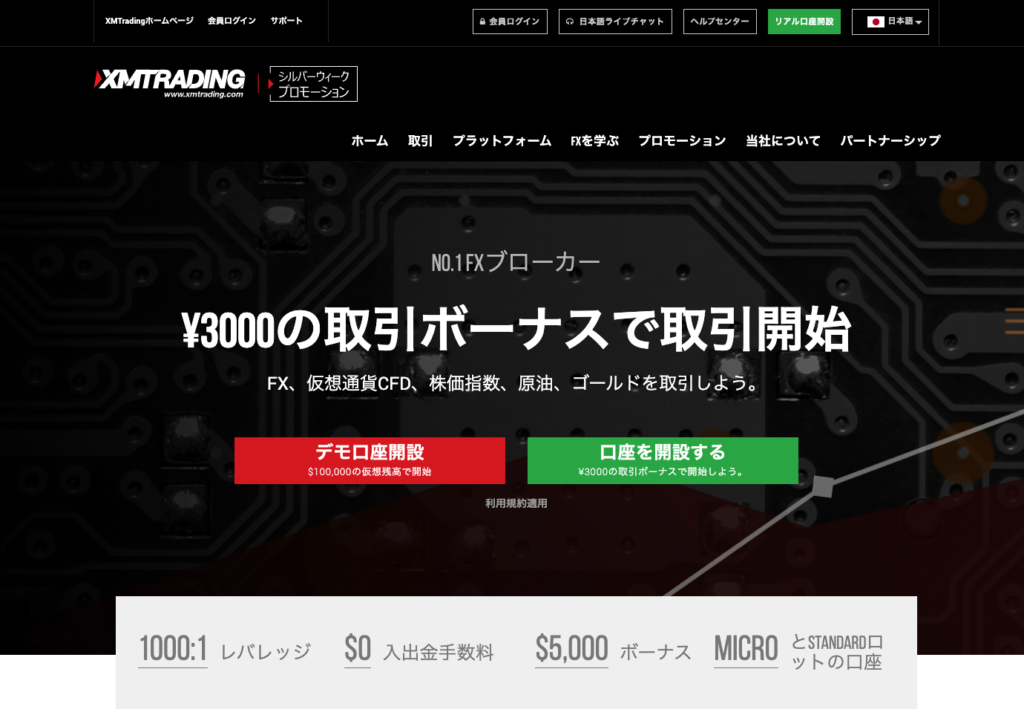
XMTradingis a long-established overseas forex broker that has been providing forex services since 2009 and operates under licenses from the Seychelles FSA and Mauritius FSC. With a large number of Japanese users and abundant information available, it's a popular choice for those using overseas forex for the first time.
The proprietary smartphone app is"XMTD TraderPro"The previous "XMTrading app" will be discontinued in April 2026, and users are now migrating to this new app
XMTD TraderProto trade over 1,400 instruments, deposit and withdraw funds, and open an account all within the app, andyou can also use live chat in Japanese from within the app.
This is a classic app that is highly recommended for beginners who want to complete overseas forex trading using only their smartphone .
| Proprietary smartphone app | 〇 (XMTD TraderPro) |
| What you can do with the app | Trading, deposits and withdrawals, account opening, Japanese chat |
| MT4/MT5 | ○ (App available) |
| Automated trading (EA) | ○ (Operates on PC/VPS) |
| Establishment | 2009 |
| Zero Cut System | can be |
| Maximum leverage | 1,000 times |
A detailed review of XMTrading can be found in " XMTrading Reviews and User Feedback Summary "
Get great deals with cashback!
Exness| Complete your account opening, deposits, and withdrawals all within the app
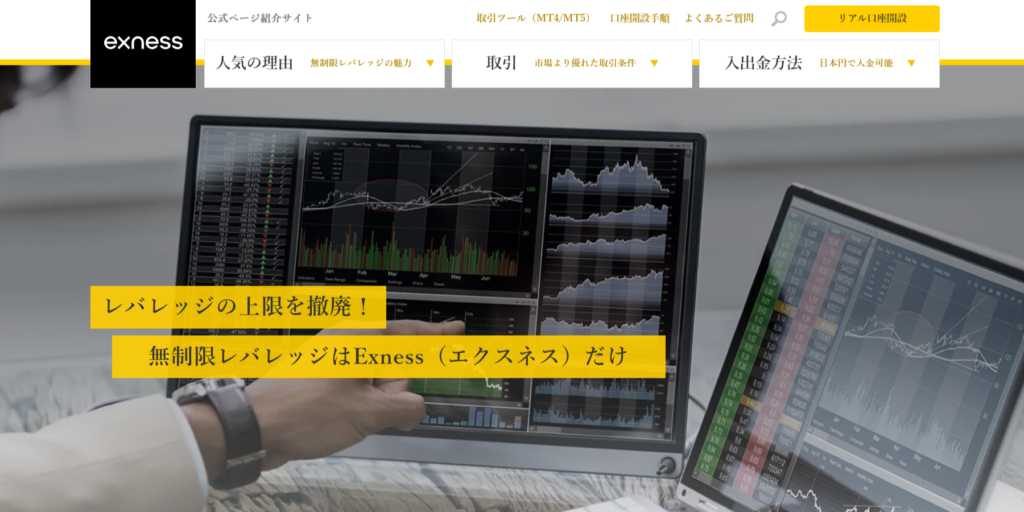
Exnessis an overseas forex broker established in 2008 with over 15 years of operating experience. It is known for its conditional unlimited leverage and some of the narrowest spreads in the industry.
Proprietary smartphone app"ExnessTrade"So,You can complete everything from opening an account and making deposits and withdrawals to trading and changing account settings within the app(Trading is compatible with MT5 accounts)
However, the indicators included in the app are limited to only a few types, such as moving averages and Bollinger BandsThe technical analysis features are modestFor those who want to perform detailed analysis, we recommend using it in conjunction with the MT4 or MT5 app
It offers user-friendly deposit and withdrawal and account management features, making it ideal for those seeking unlimited leverage and a fully mobile-friendly platform
| Proprietary smartphone app | (ExnessTrade) |
| What you can do with the app | Trading (MT5 account), deposits and withdrawals, account opening |
| MT4/MT5 | ○ (App available) |
| Automated trading (EA) | ○ (Operates on PC/VPS) |
| Establishment | 2008 |
| Zero Cut System | can be |
| Maximum leverage | Unlimited (with conditions) |
ExnessFor a detailed review of , please see " ExnessReviews and Testimonials Summary "
Get great deals with cashback!
HFM| Trade over 1,200 stocks directly from the app
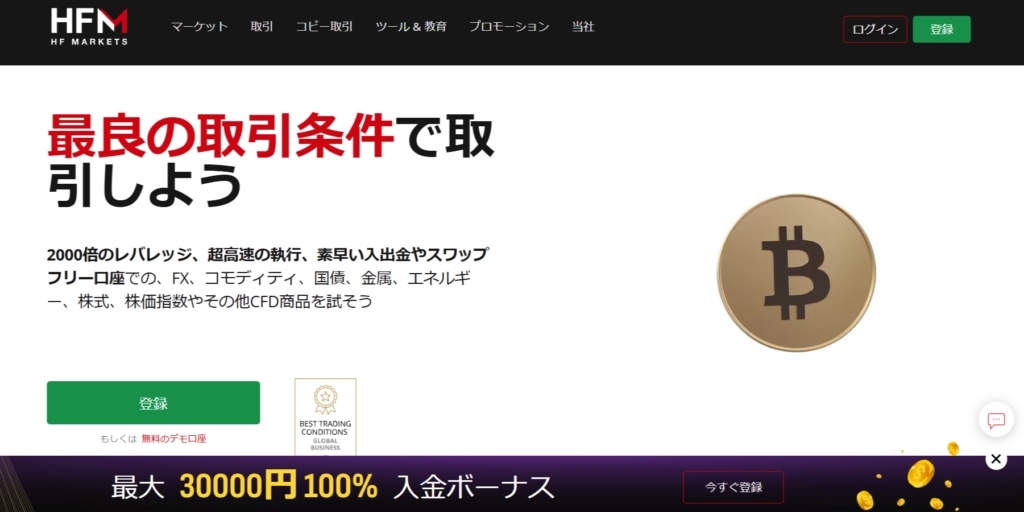
HFMis a major overseas forex broker established in 2010, and its group companies hold multiple financial licenses that are difficult to obtain. It's also characterized by its low minimum deposit of $5, making it easy to start with a small amount.
Proprietary smartphone app"HFMapp"So,You can place orders directly from the app for over 1,200 stocksIt also supports checking exchange rates and economic news for each stock, as well as account management
Furthermore,HFMsupportscopy trading, allowing you to implement the trading strategies of professional traders into your own account.
With its app's trading features and ability to handle small amounts,this company offers a good balance for both beginners and advanced users.
| Proprietary smartphone app | ○ (HFMapp) |
| What you can do with the app | Trading (over 1,200 stocks), account management, and news browsing |
| MT4/MT5 | ○ (App available, compatible with all accounts) |
| Automated trading (EA) | (Copy trading is also offered) |
| Establishment | 2010 |
| Zero Cut System | can be |
| Maximum leverage | 2,000 times |
HFMA detailed review of can be found in " HFMReviews and User Feedback Summary "
Get great deals with cashback!
FXGT| Trade cryptocurrencies with its proprietary app launching in 2024
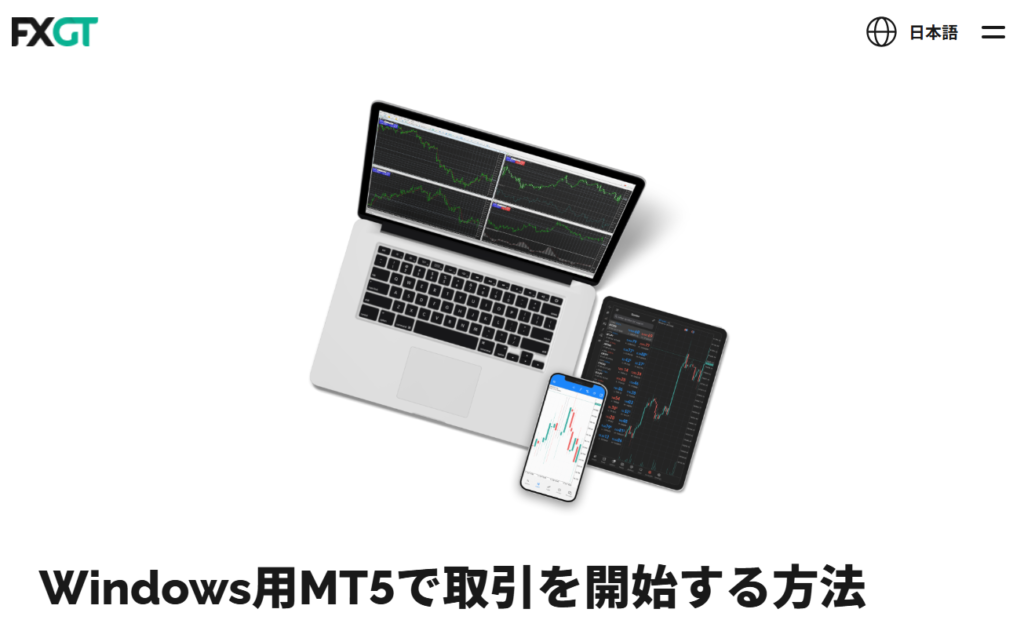
FXGTis an overseas forex broker established in 2019, specializing in a wide range of cryptocurrency pairs, including BTC and ETH.
In November 2024Released its own smartphone app, "FXGTApp"Furthermore, you can now trade instruments in your MT5 account directly from the app (market, limit, and stop orders are supported). Deposits can also be made through the app
ForFXGTis the top choice. those who want to trade both cryptocurrencies and forex on their smartphones,
| Proprietary smartphone app | ○ (FXGTapp, November 2024 onwards) |
| What you can do with the app | Trading (MT5 account) / Deposit |
| MT4/MT5 | (App available. Optimus accounts are MT5 only.) |
| Automated trading (EA) | ○ (Operates on PC/VPS) |
| Establishment | 2019 |
| Zero Cut System | can be |
| Maximum leverage | 5,000x leverage (Optimus and FX Major only) |
Get great deals with cashback!
BigBoss| One-tap ordering with the new app "BigBoss Trends"
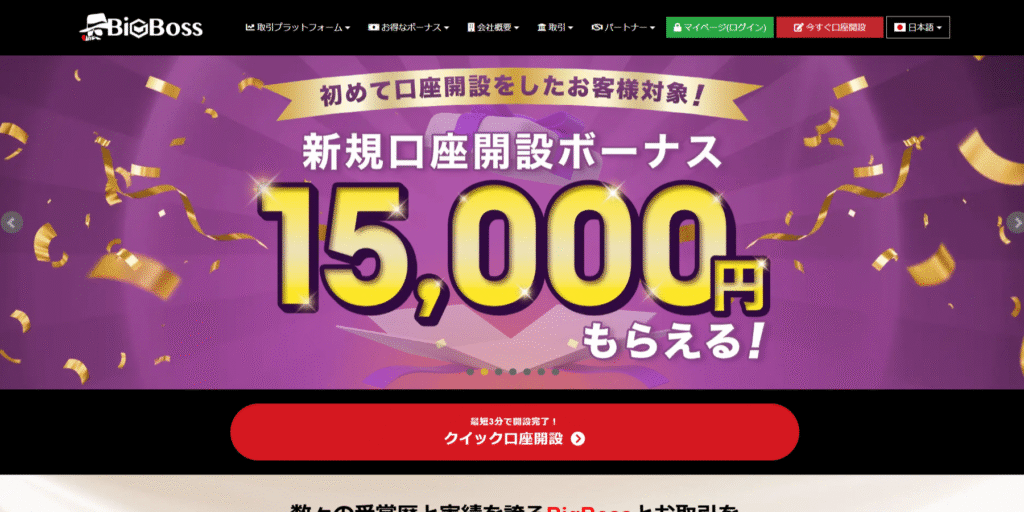
BigBossis an overseas forex broker established in 2013 with over 10 years of experience providing services to Japan. It is popular for its leverage of up to 2,222 times (Deluxe account) and a variety of bonuses.
The proprietary smartphone app is"BigBoss Trends"The old app, "BigBoss QuickOrder," will cease service in July 2025, and users are now migrating to this new app
BigBoss Trends uses TradingView charts, allowing for intuitive trading with features such as one-tap orders and bulk closing of multiple positions
This is ideal for those who want to easily trade on their smartphones while taking advantage of bonuses . The latest bonus information is updated monthly in the " Latest Overseas Forex Bonus Campaign Ranking "
| Proprietary smartphone app | (BigBoss Trends) |
| What you can do with the app | Trading (TradingView charts, one-tap orders) |
| MT4/MT5 | ○ (App available) |
| Automated trading (EA) | ○ (Operates on PC/VPS) |
| Establishment | 2013 |
| Zero Cut System | can be |
| Maximum leverage | 2,222x (Deluxe Account) |
BigBossFor a detailed review of , please see " BigBossReviews and User Feedback Summary "
Get great deals with cashback!
TitanFX | Copy trading and discretionary trading withTitan FX Social
TitanFXis an overseas forex broker that has been operating since 2014 and is well-regarded for its execution speed thanks to Equinix's high-performance servers and its industry-leading low trading costs.
Proprietary smartphone app"Titan FX Social"So,Not only can you copy the methods of professional traders, but you can also perform regular discretionary trading through the app, linked to your MT4/MT5 account。
Since you can choose and copy a trading method that suits your style from among traders whose win rates and profit/loss figures are publicly available, itworking professionals who do not have time to analyze the market(deposits and withdrawals are handled through the client portal).
If you meet the requirements, you can also use a free VPS, making it ideal for those who want to combine copy trading with low-cost trading
| Proprietary smartphone app | (Titan FX Social) |
| What you can do with the app | Trading (MT4/MT5 account linking) / Copy trading |
| MT4/MT5 | ○ (App available, compatible with all accounts) |
| Automated trading (EA) | ○ (Operation is via PC/VPS; conditional free VPS is available) |
| Establishment | 2014 |
| Zero Cut System | can be |
| Maximum leverage | 1,000x leverage (2,000x leverage for micro accounts) |
A detailed review of TitanFX can be found in " TitanFX Reviews and User Feedback Summary "
Get great deals with cashback!
AXIORY| Account management app "MyAxiory" × Trading via cTrader/MTG-based app
AXIORYis an overseas FX broker with a long track record in Japan since launching its FX service in 2011. It boasts a 99.99% execution rate and is characterized by its high level of transparency, publishing execution data on its official website every month.
Proprietary smartphone app"MyAxiory"teethDedicated app for account managementYou can open an account (demo or real) in as little as 5 minutes, deposit and withdraw funds, transfer funds, receive Japanese chat support, and check the economic calendarThe actual trading (order placement) is done using the MT4/MT5/cTrader appThis is the structure
It is the only one of the 10 companies that supports cTrader, andthe cTrader app and MyAxiorythe combination ofallows you to manage both scalping and your account.
This is suitable for short-term traders who prioritize execution speed and want to manage their accounts on their smartphone while actually trading using a dedicated app
| Proprietary smartphone app | △ (For MyAxioryaccount management only) |
| What you can do with the app | Account opening, deposits and withdrawals, fund transfers, Japanese chat support |
| MT4/MT5 | ○ (App available. cTrader app is also supported.) |
| Automated trading (EA) | ○ (Operates on PC/VPS) |
| Establishment | 2011 (FX service launched) |
| Zero Cut System | can be |
| Maximum leverage | 1,000x (MAX account offers 2,000x) |
AXIORYFor a detailed review of , please see " AXIORYReviews and User Feedback Summary "
Get great deals with cashback!
ThreeTrader| Trade with the lowest costs in the industry using the MT4/MT5 app

ThreeTraderis an overseas forex broker that launched its services in Japan in 2021 and has gained support from short-term traders with its industry-leading low spreads and trading fees.
While there isn't a dedicated smartphone app,you can trade on your smartphone using the MT4/MT5 app. There's also a unique rewards program where you earn points based on your trading volume.
This is a strong option for those who prioritize low transaction costs over the unique features of the app
| Proprietary smartphone app | × (Trading using MT4/MT5 app) |
| MT4/MT5 | ○ (App available) |
| Automated trading (EA) | ○ (Operates on PC/VPS) |
| Establishment | 2021 |
| Zero Cut System | can be |
| Maximum leverage | 1,000 times |
ThreeTraderA detailed review of can be found in " ThreeTraderReviews and User Feedback Summary "
Get great deals with cashback!
Monaxa| Compatible with MT4/MT5 apps, offers copy trading and PAMM options
Monaxais an overseas forex broker that entered the Japanese market in 2023 and operates globally under multiple registrations and licenses, including in Mauritius.
While we don't have our own proprietary app,we offer smartphone trading via MT4/MT5 apps, and a wide range of automated trading options, including copy trading and PAMM accounts.
We continuously offer deposit bonuses, making us suitable for those who want to try it out with a small amount or those interested in automated investment management
| Proprietary smartphone app | × (Trading using MT4/MT5 app) |
| MT4/MT5 | ○ (App available) |
| Automated trading (EA) | ○ (Copy trading and PAMM available) |
| Launch of services for Japan | 2023 |
| Zero Cut System | can be |
| Maximum leverage | 2,000x (low volatility stocks) |
Get great deals with cashback!
IS6FX| Easy to start with MT4/MT5 app and generous bonuses
IS6FXis an overseas forex broker established in 2016, and its attractive features include generous campaigns such as account opening bonuses and deposit bonuses.
While there is no dedicated smartphone app,you can trade on your smartphone using the MT4/MT5 app(deposits and withdrawals are done through the member page on the website).
Bonus amounts and conditions vary depending on the time of year, so please check the latest information in the " Latest Overseas Forex Bonus Campaign Ranking "
This is suitable for people who want to start with a small amount of their own capital using their bonus
| Proprietary smartphone app | × (Trading using MT4/MT5 app) |
| MT4/MT5 | ○ (App available. 2000x leverage / Crypto account is MT5 only) |
| Automated trading (EA) | ○ (Operates on PC/VPS) |
| Establishment | 2016 |
| Zero Cut System | can be |
| Maximum leverage | 1,000x leverage (some accounts offer 6,666x leverage) |
Get great deals with cashback!
Key points to consider when choosing a smartphone app for overseas forex trading
To choose the right FX app from the many available, keep the following five points in mind
- Is the smartphone app compatible with the device?
- Can deposits and withdrawals be completed within the app?
- Is demo trading available?
- Are there a wide variety of indicators?
- Is there ample Japanese language support?
Is the smartphone app compatible with the device?
When choosing a smartphone app for overseas forex trading,Is the app compatible with the device you are using?Let's check
Some overseas forex trading apps are only compatible with either iPhone or Android, not both. You can check the compatibility status on app stores such as the App Store or Google Play
If you discover after opening an account that it's not compatible with your device, the process will be wasted, so please check the app store before opening an account
Can deposits and withdrawals be completed within the app?
For those who want to complete overseas forex trading using only their smartphone,Can I complete deposits, withdrawals, and account opening all within the app?Let's check
MT4/MT5 apps are for trading only, so you need to access your broker's My Page every time you deposit or withdraw funds. On the other hand, many brokers' own appsto complete everything from trading to deposits and withdrawals within the app, and some even support account opening and identity verification.
If you don't own a PC or want to start easily using only your smartphone, be sure to check the functionality of the proprietary app before opening an account
Is demo trading available?
When choosing a smartphone app for overseas forex trading,Checking whether you can do demo trading within the app is also an important pointis
Demo trading is a service that allows you to trade with virtual funds, soyou can check the usability and feel of the app without using your own money.
To ensure you're using an app that suits you for FX trading, it's best to first test its usability with a demo account before starting to trade with real money
A detailed comparison of brokers that offer demo accounts can be found in " Recommended Comparison of Demo Accounts for Overseas Forex Brokers ."
Are there a wide variety of indicators?
When choosing a smartphone app for overseas forex trading,Are there a wide variety of indicators?Let's check that as well
To profit from FX trading,"technical analysis,", is effective. The types of indicators available vary greatly from app to app.
The number of indicators included as standard is approximately 30 for the MT4 app and over 60 for the cTrader app. Many brokers' proprietary appsnow use TradingView-based charts, making sophisticated analysis possible even on smartphones (features vary significantly from app to app, so please check the broker profiles below for details).
Is there ample Japanese language support?
When choosing a smartphone app for overseas forex trading,Japanese language support for the app and vendor supportLet's check that as well
While most overseas forex brokers' apps support Japanese, some are only available in English. It's also important to consider whether you can get Japanese-language support if you encounter problems with app settings or deposits/withdrawals
The support hours and channels for Japanese language support offered by each company are compiled from officially confirmed information in " A Thorough Comparison of Japanese Language Support at Overseas Forex Brokers ."
Advantages of using an overseas forex broker that supports its own smartphone app
The advantages of using an overseas forex broker that supports its own smartphone app are as follows:
- You can trade regardless of location
- You can trade with simpler operations than on a PC
- You can get market information within the app
You can trade regardless of location
If you use our proprietary smartphone app,You can trade regardless of location。
Traditional FX trading is typically done on a PC, meaning you can't take advantage of market opportunities while you're out and about. With a smartphone app,you can trade using just your smartphone, even while commuting or on the go.
The biggest advantage is that it allows even office workers and housewives who can't always be in front of a PC to increase their trading opportunities
You can trade with simpler operations than on a PC
The proprietary smartphone app isYou can trade with simpler operations than on a PC。
Our proprietary apps are designed with ease of viewing and use in mind, and switching between chart and order screens is simple.apps allow you to place orders with a single tap, and there's no need for the complex initial setup required on a PC.
Even those who are unsure about operating electronic devices will be able to start trading smoothly
You can get market information within the app
The proprietary smartphone app includes:The advantage of being able to gather the latest market information within the appThere is
In FX trading, it's crucial to quickly grasp market-related information and incorporate it into your orders. With our proprietary app, you can check economic news and indicators and place orders allwithin a single application, reducing the time lag between information gathering and order execution.
Since the information is distributed by the service provider, it is more reliable than unreliable information on social media, which is another attractive feature
Disadvantages of using overseas forex brokers that support their own smartphone apps
While proprietary smartphone apps are convenient tools, it's important to be aware of the following drawbacks
- The impact is largely due to the communication environment
- Analyzing market trends is more difficult than with a PC
The impact is largely due to the communication environment
FX trading using a smartphone app isThe impact is largely due to the communication environmentPlease pay attention to this point
When you're out and about, factors such as the device's communication speed and the signal strength of the location combine to affect performanceThere are cases where you may not be able to order at the price you expected。
The appeal of smartphone apps is that you can trade anywhere, but when placing an order, we recommend trading in an area with a good internet connection whenever possible
Analyzing market trends is more difficult than with a PC
The smartphone app isAnalyzing market trends is more difficult than with a PCThere are disadvantages
While smartphone apps include major indicators such as moving averages and MACD, their small screen sizemakes them inferior to PCs for simultaneous display of multiple charts and detailed analysis.
For serious traders, the basic style involves using a PC for detailed analysis and a smartphone app for placing orders, settling accounts, and checking positions while on the go
Frequently Asked Questions about Overseas Forex Smartphone Apps
Finally, I will answer some frequently asked questions regarding smartphone apps for overseas forex trading
What are some recommended apps for overseas forex trading?
Recommended apps for overseas forex trading are:XMTrading's "XMTD TraderPro" allows you to complete everything from account opening to deposits, withdrawals, and trading using just your smartphoneis
Japanese live chat is available within the app, making it easy to use even for beginners in overseas forex trading. For unlimited leverage,Exness's "ExnessTrade" is a good choice, and for a wide range of instruments that can be directly ordered from the app,HFM's "HFMApp" is also a strong option. For those who want to perform detailed chart analysis, we recommend using it in conjunction with the MT4/MT5 app
Is it possible to trade forex overseas using only a smartphone app?
Overseas ForexIt's perfectly possible with just a smartphone appis
Many brokers' proprietary apps offer features that allow you to open an account, deposit and withdraw funds, trade, and change account settings, making it easy to get started even without a PC. However, the functions available within each app vary, so be sure to check beforehand
In addition,Deposit and withdrawal procedures cannot be performed using the MT4 or MT5 appsPlease be careful
Are overseas forex trading smartphone apps available in Japanese?
It depends on the appMost apps from major vendors support Japaneseis
With a Japanese-language compatible app, you can view charts and economic news entirely in Japanese. Japanese language support from the broker is also crucial, so please also check out our " Thorough Comparison of Japanese Language Support at Overseas Forex Brokers ."
Which is better: a proprietary app or the MT4/MT5 app?
For ease of use on a smartphone, a proprietary app is recommended , while for managing EAs and accounts with multiple brokers, the MT4/MT5 app is more suitable
Since it's possible to use both simultaneously, it's recommended to use your own app for everyday trading and the MT4/MT5 app for analysis and EA verification
Can I use an automated trading system (EA) with just a smartphone app?
It is not possible to run the EA using only the smartphone app。
An EA (Expert Advisor) requires a PC or VPS (Virtual Server) to run, and smartphone apps are primarily used for checking the operating status and managing positions. If you simply want to copy professional trading methods, there's also the option of a proprietary app that supports copy trading
The steps for getting started with EAs and the necessary environment are explained in detail in the " EA Setup Guide for Overseas Forex Trading "
Can it be used on both iPhones and Android devices?
The proprietary apps from the vendors featured in this articlegenerally compatible with both iPhone (App Store) and Android (Google Play).
However, since some apps have specific OS version compatibility requirements, be sure to check the app store to see if your device is compatible before downloading
Summary: With a proprietary app, you can start trading forex overseas with just one smartphone
This time, we introduced 10 overseas forex brokers that support their own smartphone apps , along with the types of apps available and how to choose the right one
Using the broker's proprietary app, you can complete everything from account opening to deposits, withdrawals, and trading with just one smartphone, ensuring you don't miss trading opportunities even while commuting or on the go. For those who want to use EAs or perform in-depth analysis, using it in conjunction with the MT4/MT5 app is recommended
Furthermore, when you actually start trading, you can significantly reduce your effective trading costs by opening an account through the cashback site "Money Charger (Manecha)" and getting a portion of the spread refunded