














From forex to US stocks,
lets you trade everything with just MT5.Axon Markets
An overseas forex broker offering
over 1,000 instruments and a maximum leverage of 2,000x, ideal for traders who want an all-in-one solution

Get cashback automatically in 1 minute by using the referral link
WHY AXON MARKETS?
WhyAxon Marketscontinues
to be the preferred choice

REASON 01
Trade over 1,000 instruments including FX, stocks, and cryptocurrencies with a single MT5 platform
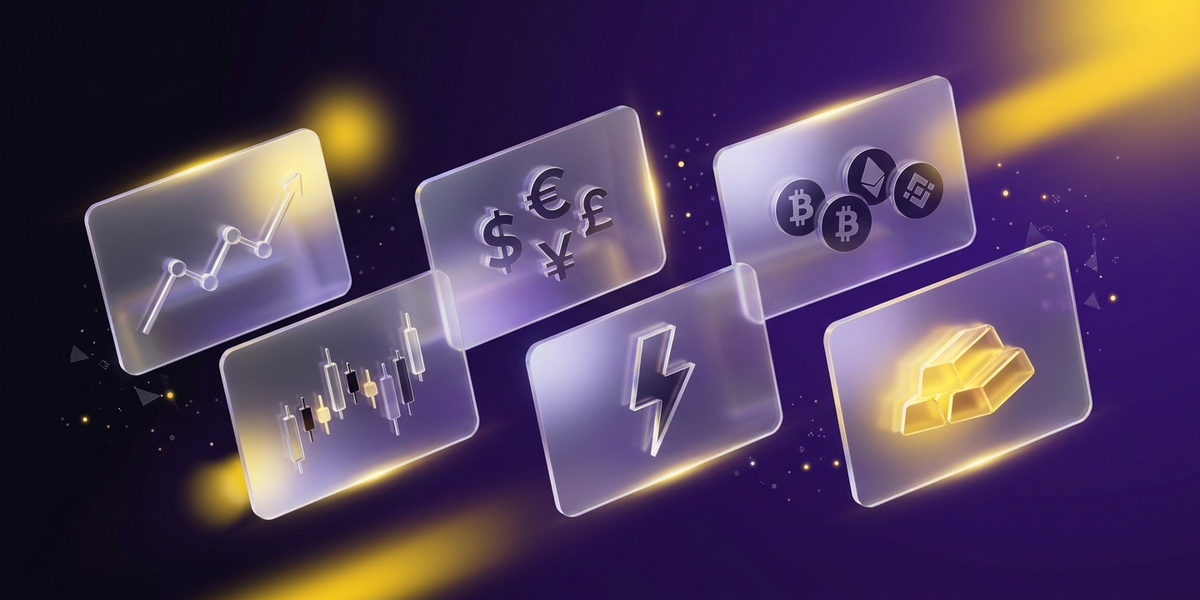
Axon Marketsallows you to trade over 1,000 instruments, including 40 FX currency pairs, 40 cryptocurrencies, 100 US stocks, 11 stock indices, precious metals, and energy CFDs, all on a single MT5 platform. There's no need to use multiple brokers or platforms; it provides a unified portfolio management environment

REASON 02
LevPlus accounts offer high leverage trading from $10 up to 2,000 times
With a LevPlus account, you can trade with leverage up to 2,000 times, starting from a minimum deposit of $10. Because you can take on large positions even with small capital, it's the perfect environment for traders who want to practice high-leverage scalping or short-term trading strategies
REASON 03
Six different account types optimized for your trading style
Choose from six account types—Standard, Raw, Prime, LevPlus, Cent, and Crypto—to find the optimal environment based on your trading style, capital size, and target instruments. We offer a range of options, from low-spread accounts for scalping to micro accounts for small amounts, and even dedicated cryptocurrency accounts
ABOUT
Axon MarketsWhat isA complete guide to its basics.
Account type
Company Profile
 Operating company:Axon Markets Ltd
 Establishedin 2023
 Head office location:IMAD Complex, Office 12, 3rd Floor, Ile Du Port, Mahe, Seychelles
Transaction specifications
 Maximum leverageup to 2000x
 Products handled:
 currency pair—
 Trading toolMT5 / Web Platform
 Zero cutadopted
 Japanese language supportavailable
EVALUATION
Axon Markets' Strengths and Weaknesses
✅ Strengths
-
✓Up to 2,000x leverageWith a LevPlus account, you can leverage your investment up to 2,000 times. Even with a small amount of capital, you can take on large positions
-
✓6 types of accountWith a wide range of settings including Standard, Raw, Prime, LevPlus, Cent, and Crypto, users from beginners to professionals can choose the optimal environment
-
✓Over 1,000 brands availableWith MT5, you can access a wide variety of markets, including 40 types of FX, 40 types of cryptocurrencies, 100 types of US stocks, 11 types of indices, precious metals, and energy
-
✓Prime accounts offer zero fees and low spreadsWith spreads starting from 0.6 pips and no trading fees, its low total cost is a major attraction
-
✓Trading available from $10With a LevPlus account, the minimum deposit is $10. A Cent account is also available, allowing you to start trading FX with a small amount of capital
-
✓Generous bonusesThere are account opening bonuses and deposit bonuses
⚠️ Points to note
-
⚠Short operating historyEstablished in 2023, it has limited track record
-
⚠Minimum holding time for cashback: 180 secondsThere are restrictions on ultra-short-term scalping
COMPARISON
\ You'll regret it if you don't know this /
Register directly from the official website vs.
Register from this page
| item | Register directly from the official website.from the official website Register directly |
 Register via Moneychavia Moneycha Register via Moneychavia MoneychaRegister |
|---|---|---|
| Cashback | none | Get up to $6.60 back per lot |
| Japanese support | Broker support only | Broker + MoneyChat (two points of contact) |
| Additional benefits | none | EA / Copy trading / Gacha / Tournaments, etc |
| Registration process | same | Same (5 minutes from the referral link) |
| Terms of Transaction | same | same |
Yet,if you go through MoneyChat,Axon Marketsyou get cashback for every trade you make on
REVIEWS
Axon MarketsReviews and Testimonials
The generous bonuses allow for increased capital efficiency
Source: X
The LevPlus account is great because you can start with just $10. The 2000x leverage is a welcome feature for small-scale traders
Source: X
It's great that they have over 40 cryptocurrencies. It's also convenient that you can trade using MT5, the same platform as forex
Source: FX review site
The cashback is only available for 180 seconds, so it's not suitable for scalping
Source: X
Established in 2023, it has limited track record, and I have concerns about withdrawal procedures. I want to wait and see a bit longer
Source: 5ch
GET STARTED
How to get started with Axon Markets

via the referral link.
Access the official siteAccess the official site via the referral link.
Cashback will not be provided unless you use Manecha's referral link
Approximately 10 seconds
Enter the
open an account.required information to
Submit your name, email address, and identification documents. Select your account type
Approximately 3 minutes
Deposit money
.and start trading
Once approved, you will earn cashback for each transaction
Immediate reflectionGet cashback automatically in 1 minute by using the referral link
EXTRA BENEFITS
Axon MarketsEven if you're not using
you can get cashback on everything
if you register with Moneycha.
MoneyChat is an overseas forex cashback service.
It supports over 25 brokersand
has a cumulative payment record of 20 billion yen.

Supports 25 vendors
Cashback available from vendors other than Axon Markets

Centralized management
Manage the income and expenses of all businesses with a single MoneyChat account
Five benefits you can receive by registering with Moneycha

Free support
Japanese chat support
available for troubleshooting trading and withdrawal issues.

OMEGA EA
EA, winner of the Tenkaichi Budokai, currently has
83 active players.

AI Copy Training
AI is currently trading 24 hours a day
with 56 participants.

Tenkaichi Budokai
A tournament to determine the strongest EA developer

Gacha Mission
Earn points through transactions → Receive fantastic prizes
receive benefits →
1 minute, completely free
FAQ
Frequently Asked Questions about Axon Markets
It varies depending on the account type. LevPlus accounts require $10, Standard accounts require $50, Raw accounts require $500, and Prime accounts require $1,000
Axon Marketsis only compatible with MT5. It is not compatible with MT4
Yes, we offer zero-cut protection for all account types. Your account balance will never go negative
Yes, we support Islamic accounts (swap-free)
Axon Marketsgenerally does not charge any fees for deposits or withdrawals. However, a fee of up to 3.5% will be charged if you withdraw funds before making 2 lots or 4 trades after depositing
Yes, a social trading feature called AxonHub is available
No.Axon Marketsdoes not currently support auto-rebates. To receive cashback, please register your account number on your MoneyChat My Page
RELATED
Related information about Axon Markets

Account Opening Guide
A complete guide to opening an account with Axon Markets

Leverage Explanation
Detailed information on Axon Markets' leverage specifications

Withdrawal Guide
Axon MarketsWithdrawal Methods and Troubleshooting

Bonus Information
Axon Markets' latest campaign

Reviews and testimonials
Real reviews of Axon Markets

Cashback details
Axon MarketsCashback Rate Comparison by Account Type

Warning about fake IB sites
Beware of fake Axon Marketswebsites

Comparison with other companies
A list of comparison articles between Axon Markets and other companies
Start using Axon Marketsin the most advantageous way
Get tens of thousands of yen in cashback every month directly from the official source.
Complete the process in just one minute using the referral link.

Get cashback automatically in 1 minute by using the referral link