












Recipient of numerous international FX awards
Overseas forex brokers with $5 million in coverage from Lloyd's of London
Get cashback automatically in 1 minute by using the referral link
WHY XS?
Why does the XS continue to be chosen?
REASON 01
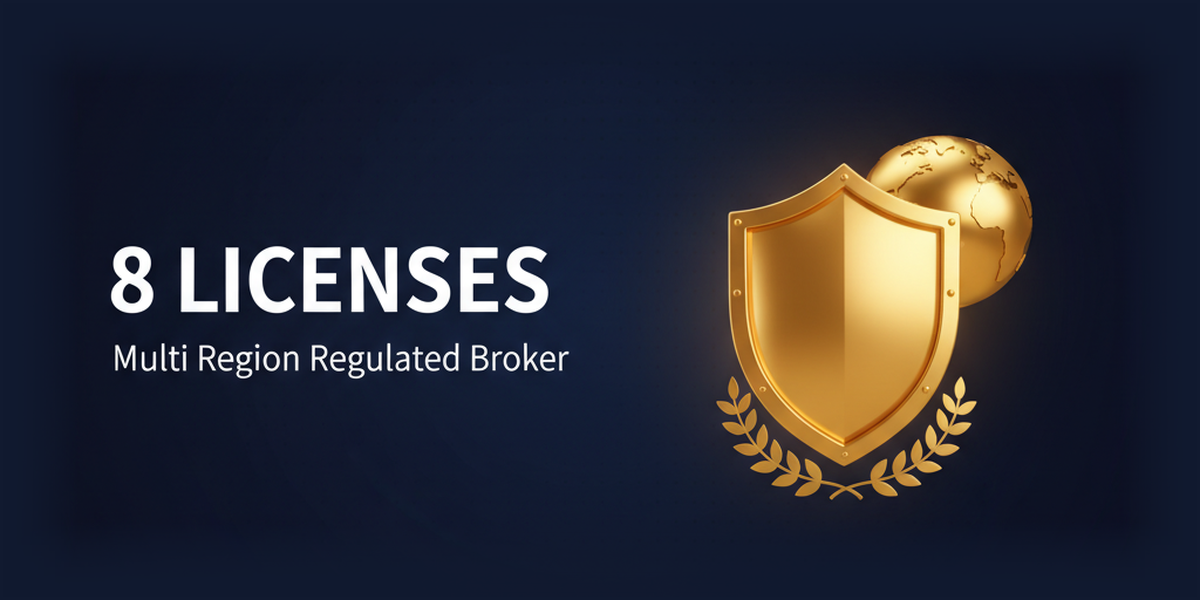
Eight financial licenses combined with a $5 million Lloyds guarantee create the strongest regulatory system
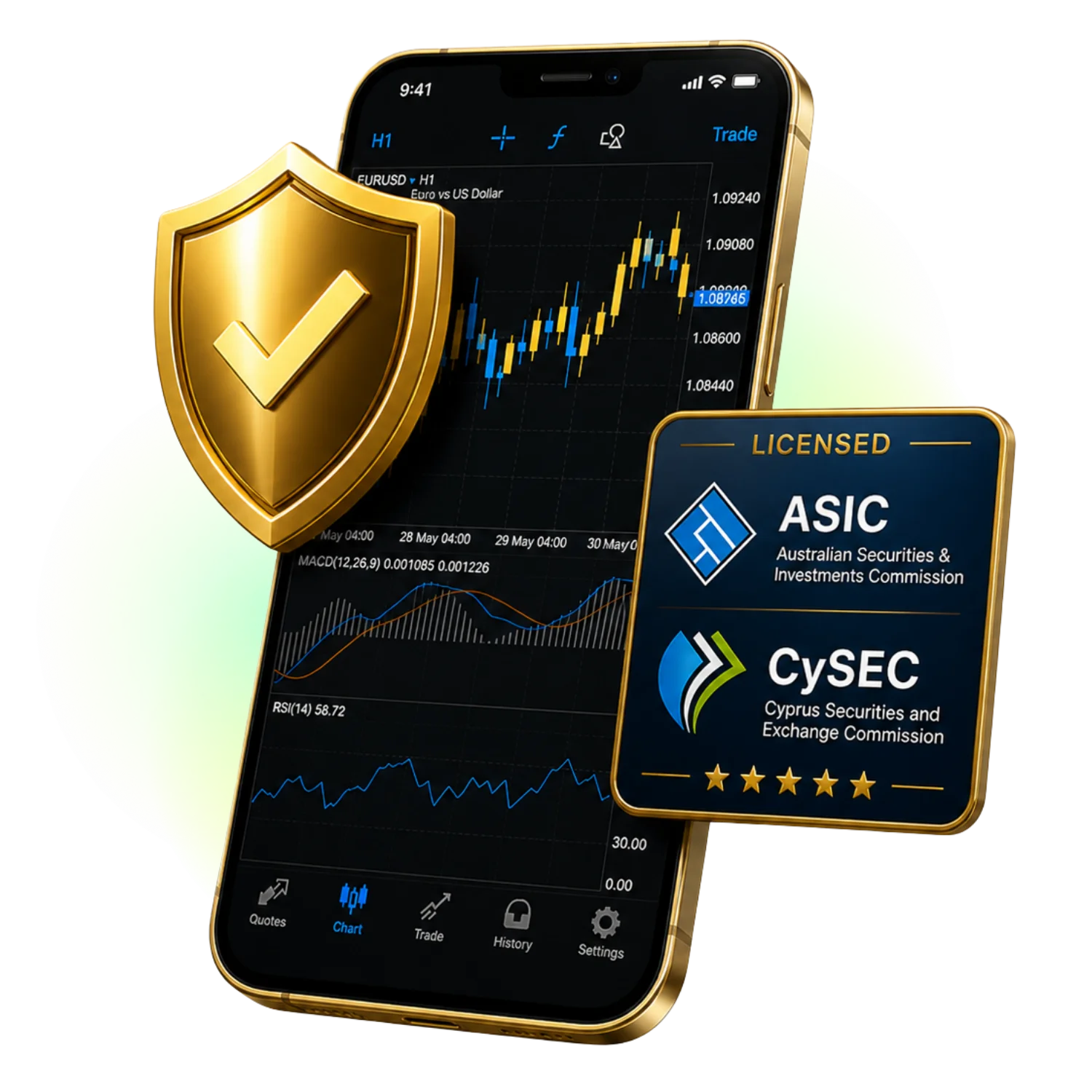
XS.com holds a total of eight financial licenses: ASIC (374409), CySEC (412/22), FSA (SD089), LFSA (MB/21/0081), FSCA (53199), Mauritius FSC (GB25204786), UAE SCA (20200000339), and Kuwait MOCI (786/2024). Furthermore, it has a system in place to insure customers up to $5 million per customer with Lloyd's of London private compensation insurance, achieving the highest level of regulation and fund protection among overseas forex brokers

REASON 02
Winner of over 30 international FX awards and Best Global Multi-asset Broker
XS.com is a highly regarded broker established in 2010, having won over 30 international FX awards, including "Best Global Multi-asset Broker" and "Best Forex Broker." It has received high praise from industry experts and financial media worldwide, and has been recognized in various areas including regulation, trading environment, customer support, and innovation. Its numerous awards provide a reassuring factor when choosing a broker, making it a rare example of a broker with objectively reliable indicators
REASON 03
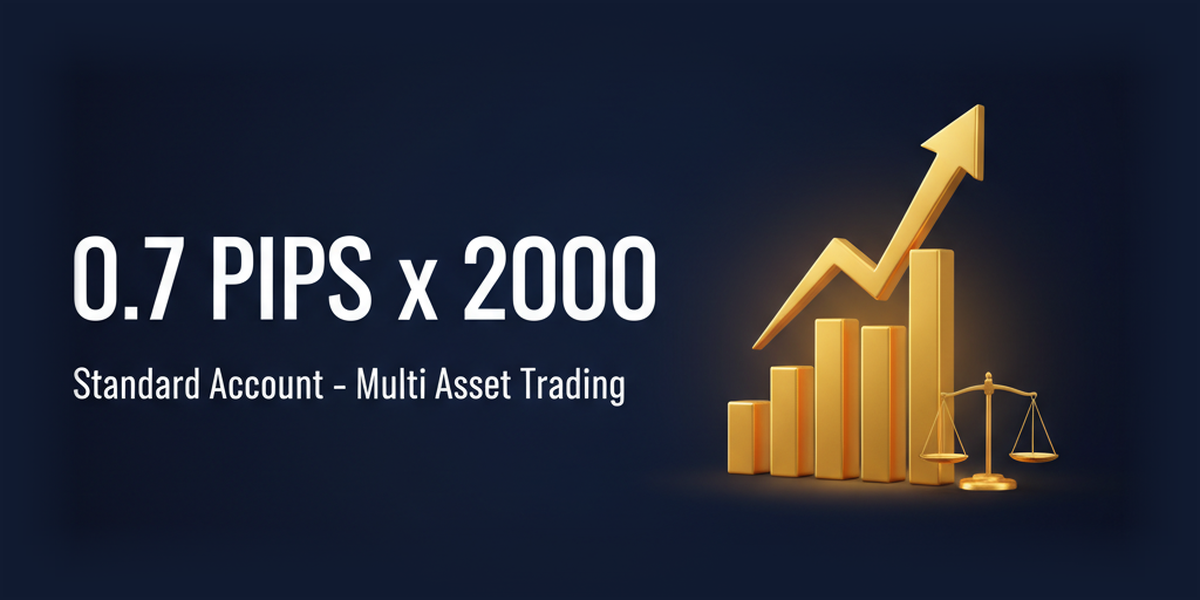
A trading environment with a spread of 0.7 pips and leverage up to 2,000 times
XS.com offers a flexible trading environment that combines spreads starting from 0.7 pips on its Standard account with no commission fees, and allows for high leverage up to 2,000 times. It covers a wide range of instruments including FX, precious metals, energy, stock CFDs, and cryptocurrencies in a single account, catering to both beginners and professionals. With the broad coverage of the Standard account and the option to switch to a Classic account for ECN-oriented trading, you can choose the account that best suits your style
ABOUT
What is XS?Complete Guide to Basic Information
Account type
- Leverage2,000x
- Spread0.7 pips ~
- No fees
- minimum deposit amountconfirmation recommended.
- Leverage2,000x
- Spread1.0 pips ~
- No fees
- minimum deposit amountconfirmation recommended.
- Leverage2,000x
- Spread0.0 pips ~
- One-way commission: equivalent to 3 USD per lot
- minimum deposit amountconfirmation recommended.
- Leverage2,000x
- Spread1.0 pips ~
- No fees
- minimum deposit amountconfirmation recommended.
Company Profile
 Operating companies includeXS Ltd (Seychelles), XS Markets Ltd (Cyprus), XS Prime Ltd (Australia), and 8 other locations.
 Establishedin 2010
 Head office locationF20, 1st Floor, Eden Plaza, Eden Island, Seychelles
Transaction specifications
 Maximum leverageof 2,000x
 Products handled:
 currency pair55+
 Trading tools:MT4 / MT5
 Zero cutadopted
 Japanese language supportavailable
EVALUATION
Strengths and weaknesses of the XS
✅ Strengths
-
✓Abundant financial licensesThey hold multiple major licenses, including ASIC and CySEC, making them highly reliable
-
✓Up to 2000x leverageHigh-leverage trading of up to 2000x is possible with FX and gold
⚠️ Points to note
-
⚠Limited Japanese language supportJapanese language support is still under development
COMPARISON
\ You'll regret it if you don't know this /
Register directly from the official website vs.
Register from this page
| item | Register directly from the official website.from the official website Register directly |
 Register via Moneychavia Moneycha Register via Moneychavia MoneychaRegister |
|---|---|---|
| Cashback | none | You will get back the equivalent of 128 pips per lot |
| Japanese support | Broker support only | Broker + MoneyChat (two points of contact) |
| Additional benefits | none | EA / Copy trading / Gacha / Tournaments, etc |
| Registration process | same | Same (5 minutes from the referral link) |
| Terms of Transaction | same | same |
Yet,if you go through MoneyChat, you get cashback for every transaction you make on XS.
REVIEWS
XS reviews and testimonials
Winning over 30 international awards is no fluke. Best Global Multi-asset Broker offers a satisfying trading environment
Source: X
A spread of 0.7 pips plus no commission is an unbeatable value that you won't find anywhere else
Source: X
They don't offer flashy bonuses like the big companies, but they seem to compensate for that with lower spreads, which leaves a good impression
Source: Review site
It's rare to find a broker with eight licenses, including ASIC, CySEC, FSCA, and LFSA. It gives a sense of security
Source: X
I practiced with a Cent account before moving to a Standard account. It's great that you can start gradually with small amounts
Source: X
With dynamic leverage, the leverage drops to 500x when you trade more than 10 lots. It's not very practical for large traders
Source: X
GET STARTED
How to get started with XS

via the referral link.
Access the official siteAccess the official site via the referral link.
Cashback will not be provided unless you use Manecha's referral link
Approximately 10 seconds
Enter the
open an account.required information to
Submit your name, email address, and identification documents. Select your account type
Approximately 3 minutes
Deposit money
.and start trading
Once approved, you will earn cashback for each transaction
Immediate reflectionGet cashback automatically in 1 minute by using the referral link
EXTRA BENEFITS
Even with vendors other than XS, you can get cashback if you register with Moneycha.
Money Charger is an overseas Forex cashback service.
It supports 25+ brokers and has an approx. $125M payment record.

Supports 25 vendors
Cashback available from vendors other than XS

Centralized management
Manage the income and expenses of all businesses with a single MoneyChat account
Five benefits you can receive by registering with Moneycha

Free support
Japanese chat support
available for troubleshooting trading and withdrawal issues.

OMEGA EA
EA, winner of the Tenkaichi Budokai, currently has
83 active players.

AI Copy Training
AI is currently trading 24 hours a day
with 56 participants.

Tenkaichi Budokai
A tournament to determine the strongest EA developer

Gacha Mission
Earn points through transactions → Receive fantastic prizes
receive benefits →
1 minute, completely free
FAQ
Frequently Asked Questions about XS
After the transaction, the cashback will be reflected in your MoneyChat My Page (usually within 1-3 business days). You can request a withdrawal from your My Page
Simply open an account through the referral link on this page, register for free with MoneyChat, and link your account number. It only takes one minute
Existing accounts are not eligible, but if you open an additional account through the referral link on this page, you will receive cashback on trades made in that account. Instructions for opening an account are provided in the "Account Opening Procedure" section on this page
Generally, you will need an email address, identification documents (such as a driver's license), and proof of address. For more details, please refer to /xs/account-opening/
No. The terms and conditions and support for XS are exactly the same as when registering directly through the official website. If you register through this page, you will also receive cashback
No. XS does not currently support auto-rebates. To receive cashback, please register your account number on your MoneyChat My Page
RELATED
Related information for XS

Account Opening Guide
Complete guide to opening an XS account

Leverage Explanation
Detailed information on the leverage specifications of the XS

Withdrawal Guide
XS withdrawal methods and troubleshooting

Bonus Information
XS's latest campaign

Reviews and testimonials
Real reviews of XS

Cashback details
XS Cashback Rate Comparison by Account Type

Warning about fake IB sites
Beware of fake XS websites

Comparison with other companies
List of comparison articles between XS and other companies
Start using XS in the most cost-effective way.
Earn monthly cashback in USD instead of registering directly.
Start from the referral link in about 1 minute.

Get cashback automatically in 1 minute by using the referral link