












Axiory is one of the few overseas forex brokers to employ trust protection
Overseas forex brokers that offer services ranging from scalping to swing trading, and that protect customer funds even in the event of bankruptcy.
Get cashback automatically in 1 minute by using the referral link
WHY AXIORY?
Why does Axiory continue to be chosen ?

REASON 01
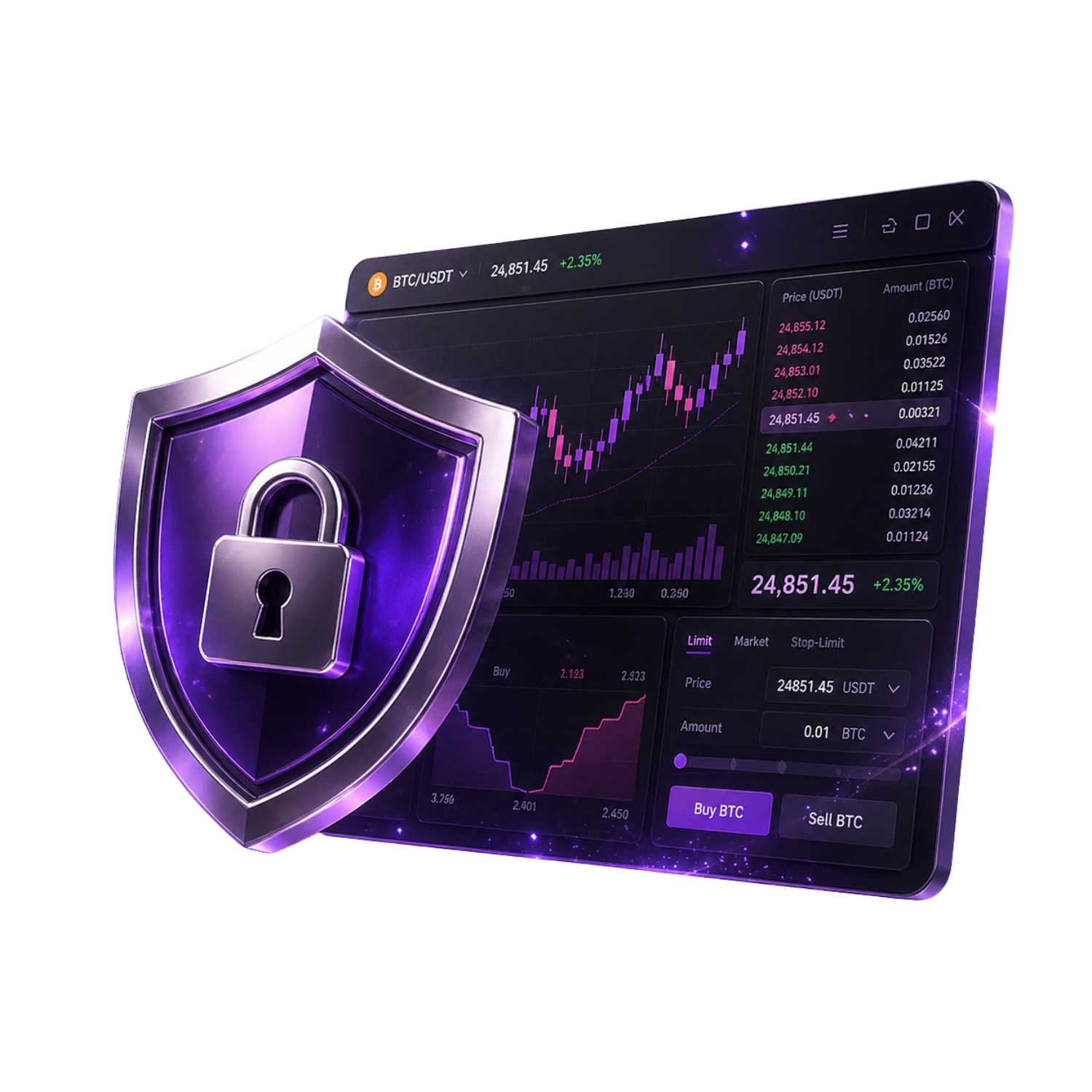
Funds are strictly protected with a unique trust protection system offered by only one overseas forex broker
In addition to segregating customer funds, Axiory employs a trust protection system, which is rare among overseas forex brokers. Even in the unlikely event of bankruptcy, customer funds are protected and returned, providing a safe trading environment for long-term holdings and large-volume trades

REASON 02
An ultra-high-speed trading environment with a 99.99% execution rate and the fastest execution time of 0.029 seconds
By utilizing Equinix's Tokyo (TY3) and London (LD5) colocation centers, we achieve a 99.99% execution rate and an average execution speed of 0.029 seconds. Approximately 70% of orders are executed with zero slippage or positive slippage, ensuring stable performance even for scalping and day trading

REASON 03
cTrader compatible & a wide range of trading environments with 6 accounts and over 400 instruments
We support cTrader, a professional platform equipped with order book information, one-click settlement, and advanced chart analysis. You can choose from six account types, from Standard to Alpha Stock Account, and trade over 400 instruments including FX, spot stocks, ETFs, and stock index CFDs
ABOUT
What is Axiory?A complete guide to its basics.
Account type
Company Profile
 Operating company:Axiory Global Limited
 Establishedin 2011
 Head Office Address:No. 1 Corner of William Fonseca Street, Marine Parade, Belize City, Belize, CA
Transaction specifications
 Maximum leverageup to 2,000 times
 Products offered:
 currency pairs(over 400 instruments)
 Trading tools:MT4 / MT5 / cTrader / AXIORY app
 Zero cutadopted
 Japanese language supportavailable (Monday to Friday, 9:00 AM to 12:00 AM)
EVALUATION
Axiory's strengths and weaknesses
✅ Strengths
-
✓Trust protection provides peace of mindCustomer funds are managed separately. We employ a trust protection system, which is rare in overseas forex trading, ensuring that funds are protected even in the event of bankruptcy
-
✓Industry's narrowest spreadsNano/Terra accounts use an ECN architecture with a minimum profit of 0.0 pips. Ideal for scalping and day trading
-
✓cTrader compatibleA professional-grade tool equipped with order book information, one-click trading, and advanced charts. It offers significant differentiation due to its limited availability among brokers
-
✓Execution rate 99.99%, fastest time 0.029 secondsEquinix's Tokyo (TY3) and London (LD5) servers are used. Approximately 70% of transactions experience zero or positive slippage
-
✓6 accounts x 400+ stocksA wide range of products, from FX to ETFs and physical stocks, can be traded using six different account types to suit your trading style
⚠️ Points to note
-
⚠Bonuses are irregularThere are generally no permanent account opening bonuses. However, as of 2026, they are offering a no-deposit bonus of approximately $93.75 + a 100% first deposit bonus
-
⚠Fees for small deposits and withdrawalsA fee of approximately $6.25 applies to deposits and withdrawals under approximately $125.00. This fee can be avoided by making lump-sum deposits and withdrawals
comprehensive evaluation
Recommended for: Traders who want to balance transaction costs and capital security. Especially recommended for scalpers, day traders, cTrader users, and large-volume traders.
Other recommended brokers: If you prioritize bonuses, try BigBoss or AxonMarkets. For cryptocurrency trading, use Bitget and BingX together.
COMPARISON
\ You'll regret it if you don't know this /
Register directly from the official website vs.
Register from this page
| item | Register directly from the official website.from the official website Register directly |
 Register via Moneychavia Moneycha Register via Moneychavia MoneychaRegister |
|---|---|---|
| Cashback | none | Get up to $7.20 back per lot |
| Japanese support | Broker support only | Broker + MoneyChat (two points of contact) |
| Additional benefits | none | EA / Copy trading / Gacha / Tournaments, etc |
| Registration process | same | Same (5 minutes from the referral link) |
| Terms of Transaction | same | same |
Yet,if you go through MoneyChat, you get cashback for every trade you make on Axiory.
REVIEWS
Axiory reviews and testimonials
The spreads are really narrow. I'm scalping with a Nano account and have no complaints about the costs
Source: X
Being able to see cTrader's order book information is the best. Switching from MT4 was definitely the right decision
Source: X
Having trust protection provides peace of mind. It's a major advantage that other overseas forex brokers don't offer
Source: Review site
Withdrawals are also fast. I received the money the next day via domestic bank transfer
Source: X
High execution speed and virtually no slippage. Stable even with large lot sizes
Source: X
It's a shame that there's almost no bonus. It's not worth it compared to other companies
Source: X
GET STARTED
How to get started with Axiory

via the referral link.
Access the official siteAccess the official site via the referral link.
Cashback will not be provided unless you use Manecha's referral link
Approximately 10 seconds
Enter the
open an account.required information to
Submit your name, email address, and identification documents. Select your account type
Approximately 3 minutes
Deposit money
.and start trading
Once approved, you will earn cashback for each transaction
Immediate reflectionGet cashback automatically in 1 minute by using the referral link
EXTRA BENEFITS
Even with brokers other than Axiory, you can get cashback if you register with Moneychat.
Money Charger is an overseas Forex cashback service.
It supports 25+ brokers and has an approx. $125M payment record.

Supports 25 vendors
Cashback offers from vendors other than Axiory

Centralized management
Manage the income and expenses of all businesses with a single MoneyChat account
Five benefits you can receive by registering with Moneycha

Free support
Japanese chat support
available for troubleshooting trading and withdrawal issues.

OMEGA EA
EA, winner of the Tenkaichi Budokai, currently has
83 active players.

AI Copy Training
AI is currently trading 24 hours a day
with 56 participants.

Tenkaichi Budokai
A tournament to determine the strongest EA developer

Gacha Mission
Earn points through transactions → Receive fantastic prizes
receive benefits →
1 minute, completely free
FAQ
Frequently Asked Questions about Axiory
Yes, it's completely free. There are basically no maintenance fees either
Input takes as little as 5 minutes, and identity verification is usually completed within one business day
This system separates customer funds from Axiory's operating funds and manages them through a trust bank. Even if Axiory were to go bankrupt, customer funds would be protected and returned
No, cTrader is free to use. It is available for Standard, Nano, Max, and Zero accounts
Max accounts offer a maximum leverage of 2,000x. Other accounts (Standard/Nano/Terra/Zero) offer a maximum leverage of 1,000x
No, Axiory does not support cryptocurrency trading. You can trade FX, stocks, and commodities
Existing accounts are generally not eligible, but you can become eligible by opening an additional account and registering it with MoneyChat
No. Axiory does not currently support auto-rebates. To receive cashback, please register your account number on your MoneyChat My Page
RELATED
Related information about Axiory

Account Opening Guide
A complete guide to opening an Axiory account

Leverage Explanation
Detailed information on Axiory's leverage specifications

Withdrawal Guide
Axiory withdrawal methods and troubleshooting

Bonus Information
Axiory's latest campaign

Reviews and testimonials
Real-world reviews of Axiory

Cashback details
Axiory Cashback Rate Comparison by Account Type

Warning about fake IB sites
Beware of fake Axiory websites

Comparison with other companies
List of comparison articles between Axiory and other companies
Start using Axiory in the most cost-effective way.
Earn monthly cashback in USD instead of registering directly.
Start from the referral link in about 1 minute.

Get cashback automatically in 1 minute by using the referral link