












Both FX and cryptocurrencies
Operated by 360 Degrees Markets Ltd (established in 2019)

Get cashback automatically in 1 minute by using the referral link
WHY FXGT?
Why does the FXGT continue to be chosen?
REASON 01
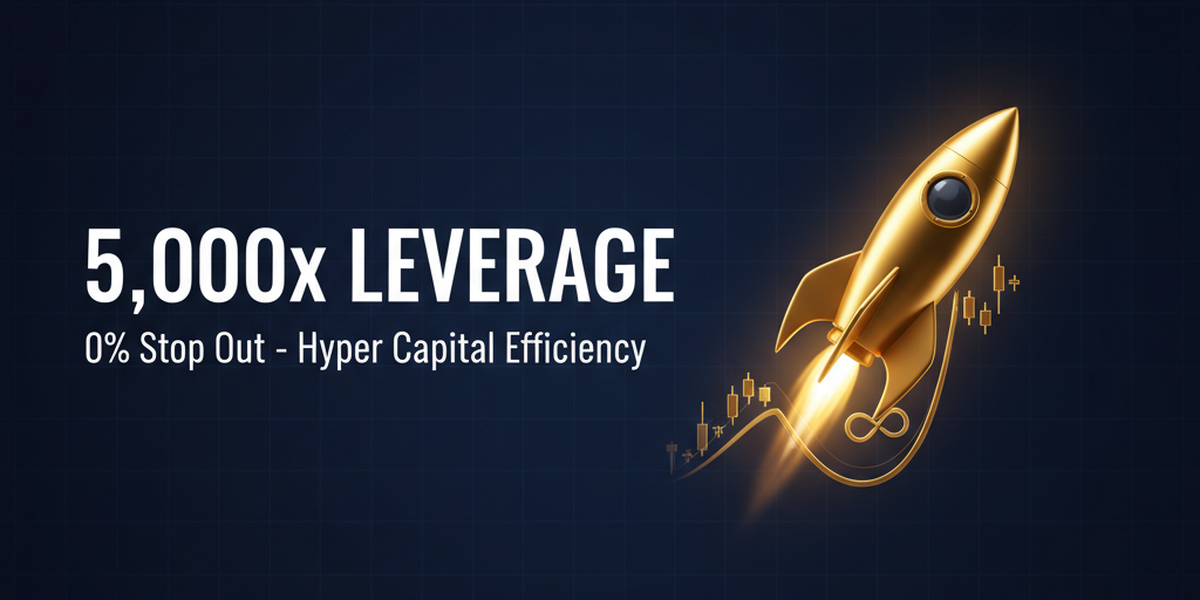
Optimus accounts offer up to 5,000x leverage + 0% stop-loss
FXGT's Optimus account offers a rare trading environment that combines industry-leading leverage of up to 5,000x with a 0% stop-loss level. The 5,000x leverage is unlocked upon meeting certain conditions (5 GT Lots or more + 8 trades), with a 2,000x leverage limit applied until then. Because it allows traders to hold large positions with a small amount of margin, and withstand losses until their margin is depleted thanks to the 0% stop-loss and zero-cut system, it enjoys immense popularity among high-leverage traders
REASON 02
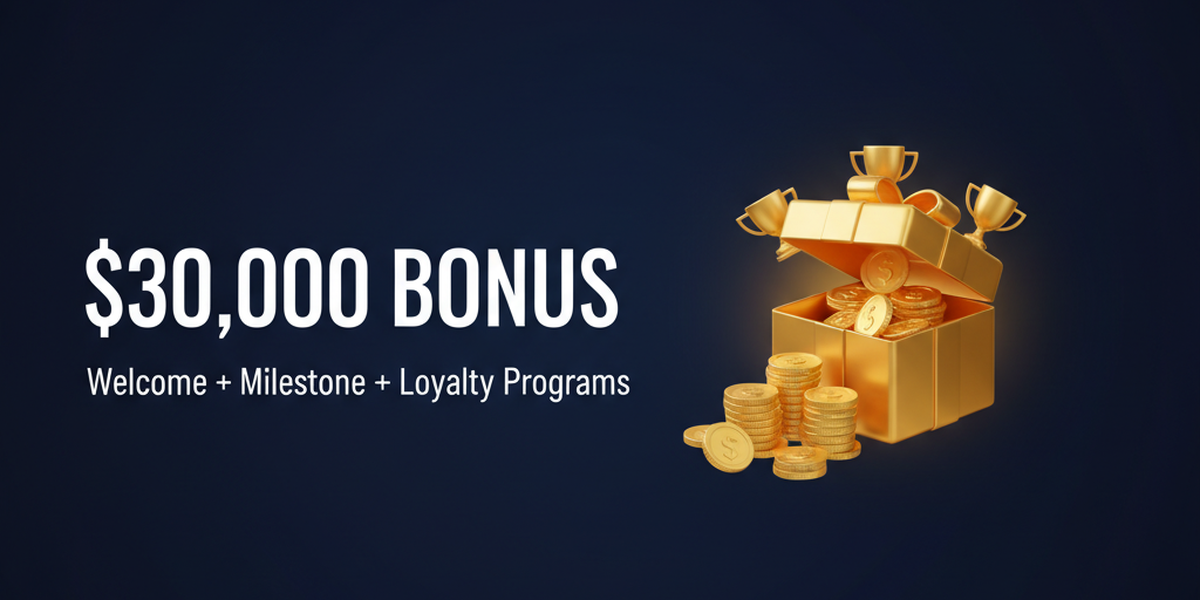
A 3-tier deposit bonus program with a cumulative total of up to $30,000
FXGT offers a three-tiered deposit bonus: Welcome (100% deposit bonus up to $300, boosted to 120%/$400 within 72 hours) → Milestone (50% bonus up to $700) → Loyalty (20-30% bonus, cumulative limit of approximately $4,375 across 5 tiers). By using all of these bonuses, you can earn a total of up to $30,000 worth of credit. In addition, they are also offering a limited-time account opening bonus (worth approximately $125.00 to $10,000), making their bonus volume unmatched among overseas forex brokers
REASON 03
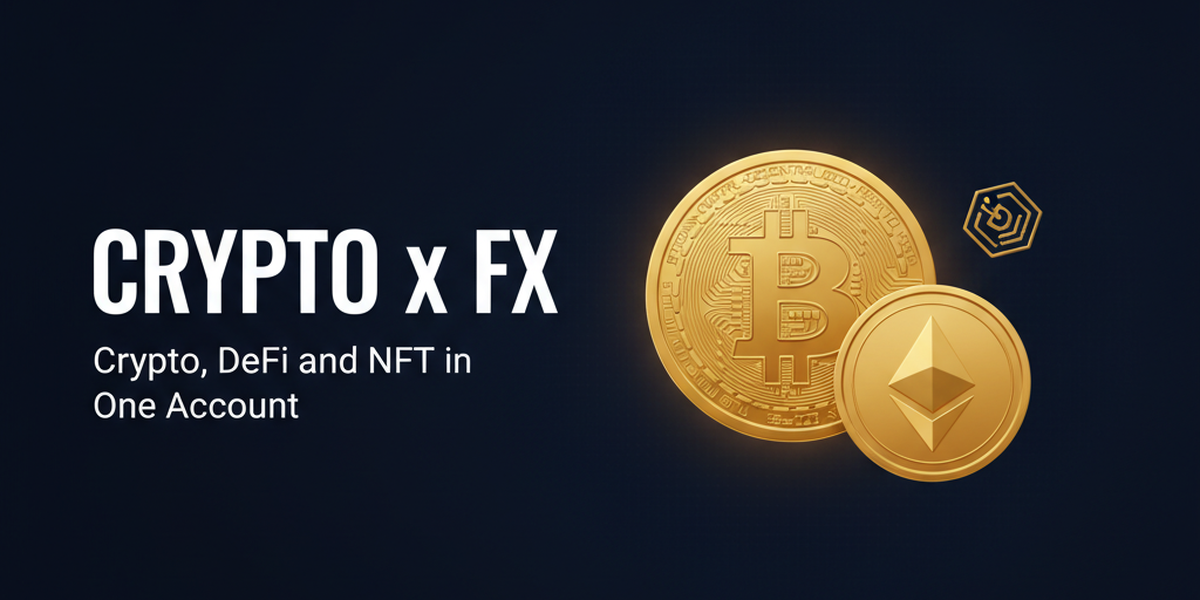
A unique trading environment supporting cryptocurrency FX, DeFi, and NFTs
FXGT offers a unique trading environment even among overseas forex brokers, offering a dedicated CryptoX account for cryptocurrencies (with up to 500x leverage and perpetual trading support), as well as a Pro account that handles a wide range of cryptocurrency CFDs, including DeFi tokens and NFT-related instruments. With coverage of major currencies such as BTC and ETH, as well as emerging DeFi instruments, all in one account, you can execute diverse strategies combining forex and cryptocurrencies
ABOUT
What is FXGT?A complete guide to its basics.
Account type
Company Profile
 Operating company:360 Degrees Markets Ltd
 Establishedin 2019
 Head Office LocationRoom12, 1st Floor, Kingsgate House, Victoria, Mahe, Seychelles
Transaction specifications
 Maximum leverage:5,000x (Optimus account) / 2,000x (Standard+ account)
 Products offered:
 currency pair—
 Trading tools:MT4 / MT5
 Zero cutadopted
 Japanese language supportavailable (email and chat).
EVALUATION
Strengths and weaknesses of FXGT
✅ Strengths
-
✓Up to 5,000x leverageOptimus accounts offer industry-leading leverage of 5,000x. Combined with a low stop-loss level, this allows even small amounts of capital to maximize the use of their margin
-
✓Ideal for cryptocurrency tradingCryptoX accounts offer perpetual trading specifically for cryptocurrencies. Pro accounts also allow trading of DeFi tokens and NFT-related assets, and the number of cryptocurrencies available is among the largest in the industry
-
✓Abundant bonus programsAccount opening bonus (Optimus account only) + 3-tier deposit bonuses (Welcome, Milestone, and Loyalty) for a total of up to $30,000 (approximately $28,125). Industry's largest and most comprehensive structure
-
✓Holds multiple financial licensesThe company holds four licenses: CySEC (Cyprus), FSA (Seychelles), FSCA (South Africa), and VFSC (Vanuatu). CySEC is a highly reliable Tier 1 license within the EU
⚠️ Points to note
-
⚠Short operating historyEstablished in 2019, it has been operating for about 7 years. Compared to XM (established in 2009) and Exness (established in 2008), its track record is less impressive. However, its reliability is improving due to the acquisition of multiple licenses and rapid growth
-
⚠The spread is a bit wideThe spreads on the Standard+ account are wider compared to other companies. For scalping, we recommend the Pro account or ECN account. If cost is your top priority, consider Exness or ThreeTrader
-
⚠Account frozen after 90 days of inactivityAccount maintenance fees may be charged or accounts may be frozen if there are no transactions for more than 90 days. Caution is advised when leaving accounts inactive for extended periods
comprehensive evaluation
Recommended for: Traders who want to trade with high leverage while making the most of bonuses. Especially recommended for those who want to get serious about cryptocurrency FX, beginners who want to try overseas FX without making a deposit, and those who want to maximize capital efficiency with 5,000x leverage.
Other recommended brokers: For scalping-focused trading, HFM XS is recommended; for large sums of money, Axiory with trust protection is recommended.
COMPARISON
\ You'll regret it if you don't know this /
Register directly from the official website vs.
Register from this page
| item | Register directly from the official website.from the official website Register directly |
 Register via Moneychavia Moneycha Register via Moneychavia MoneychaRegister |
|---|---|---|
| Cashback | none | You get $0.80 back per lot |
| Japanese support | Broker support only | Broker + MoneyChat (two points of contact) |
| Additional benefits | none | EA / Copy trading / Gacha / Tournaments, etc |
| Registration process | same | Same (5 minutes from the referral link) |
| Terms of Transaction | same | same |
Yet,if you go through MoneyChat, you get cashback for every trade you make on FXGT.
REVIEWS
FXGT reviews and testimonials
The 5,000x leverage on the Optimus account is incredible. You can take on large positions even with a small amount of capital, making your capital efficiency on a completely different level
Source: X
I was able to trade using only the account opening bonus. I was also able to withdraw my profits, so it's legitimate
Source: X
They have a wide variety of cryptocurrencies to trade. I trade BTC on CryptoX and I like that they're available 24/7
Source: X
I withdrew approximately $6,250 in a lump sum, and it arrived in my bitwallet the very next day. There's no need to worry about withdrawal rejection
Source: Review site
The total bonus amount is overwhelming. The system of receiving bonuses in stages—Welcome → Milestone → Loyalty—is great
Source: X
The spreads on the Standard+ plan are wide. A spread of around 1.5 pips for USD/JPY is inferior compared to Exness
Source: X
GET STARTED
How to get started with FXGT

via the referral link.
Access the official siteAccess the official site via the referral link.
Cashback will not be provided unless you use Manecha's referral link
Approximately 10 seconds
Enter the
open an account.required information to
Submit your name, email address, and identification documents. Select your account type
Approximately 3 minutes
Deposit money
.and start trading
Once approved, you will earn cashback for each transaction
Immediate reflectionGet cashback automatically in 1 minute by using the referral link
EXTRA BENEFITS
Even with brokers other than FXGT, you can get cashback if you register with MoneyChat.
Money Charger is an overseas Forex cashback service.
It supports 25+ brokers and has an approx. $125M payment record.

Supports 25 vendors
Cashback available from brokers other than FXGT

Centralized management
Manage the income and expenses of all businesses with a single MoneyChat account
Five benefits you can receive by registering with Moneycha

Free support
Japanese chat support
available for troubleshooting trading and withdrawal issues.

OMEGA EA
EA, winner of the Tenkaichi Budokai, currently has
83 active players.

AI Copy Training
AI is currently trading 24 hours a day
with 56 participants.

Tenkaichi Budokai
A tournament to determine the strongest EA developer

Gacha Mission
Earn points through transactions → Receive fantastic prizes
receive benefits →
1 minute, completely free
FAQ
Frequently Asked Questions about FXGT
Yes, it's completely free. There are basically no maintenance fees (however, an account maintenance fee may be charged if there are no transactions for more than 90 days)
Input takes as little as 3 minutes, and identity verification is usually completed within 1 business day. The account opening bonus will be credited to your Optimus account after identity verification is complete
Optimus accounts offer leverage up to 5,000x. However, the initial leverage is 2,000x, and it is unlocked to 5,000x after completing 5 GT Lots or more and 8 or more trades
The bonus structure consists of four tiers: Account Opening Bonus (Optimus account only), Welcome Bonus (100% of first deposit), Milestone Bonus, and Loyalty Bonus. The cumulative maximum bonus is $30,000 (approximately $28,125)
Yes, you can trade perpetual cryptocurrency-specific trading with a CryptoX account. Additionally, the Pro account allows trading of a wide range of cryptocurrency CFDs, including DeFi tokens and NFT-related instruments
Existing accounts are generally not eligible, but you can open an additional account via a link provided by MoneyChat and register it with MoneyChat to be eligible
In principle, they can be used together. However, trades made with bonus funds are not eligible for cashback, and trades lasting 3 minutes or less are also excluded
No. FXGT does not currently support auto-rebates. To receive cashback, please register your account number on your MoneyChat My Page
RELATED
Related information about FXGT

Account Opening Guide
A complete guide to opening an account with FXGT

Leverage Explanation
Detailed information on the leverage specifications of the FXGT

Withdrawal Guide
FXGT Withdrawal Methods and Troubleshooting

Bonus Information
FXGT's latest campaign

Reviews and testimonials
Real reviews of FXGT

Cashback details
FXGT Cashback Rate Comparison by Account Type

Warning about fake IB sites
Beware of fake FXGT websites

Comparison with other companies
List of comparison articles between FXGT and other companies
Start using FXGT in the most advantageous way
Earn monthly cashback in USD instead of registering directly.
Start from the referral link in about 1 minute.

Get cashback automatically in 1 minute by using the referral link