











High-speed execution!
Axi with leverage up to 1,000x.
Manchester City Official Partner
– A long-established Australian broker founded in 2007

Get cashback automatically in 1 minute by using the referral link
WHY AXI?
Why does Axi continue to be chosen?
REASON 01
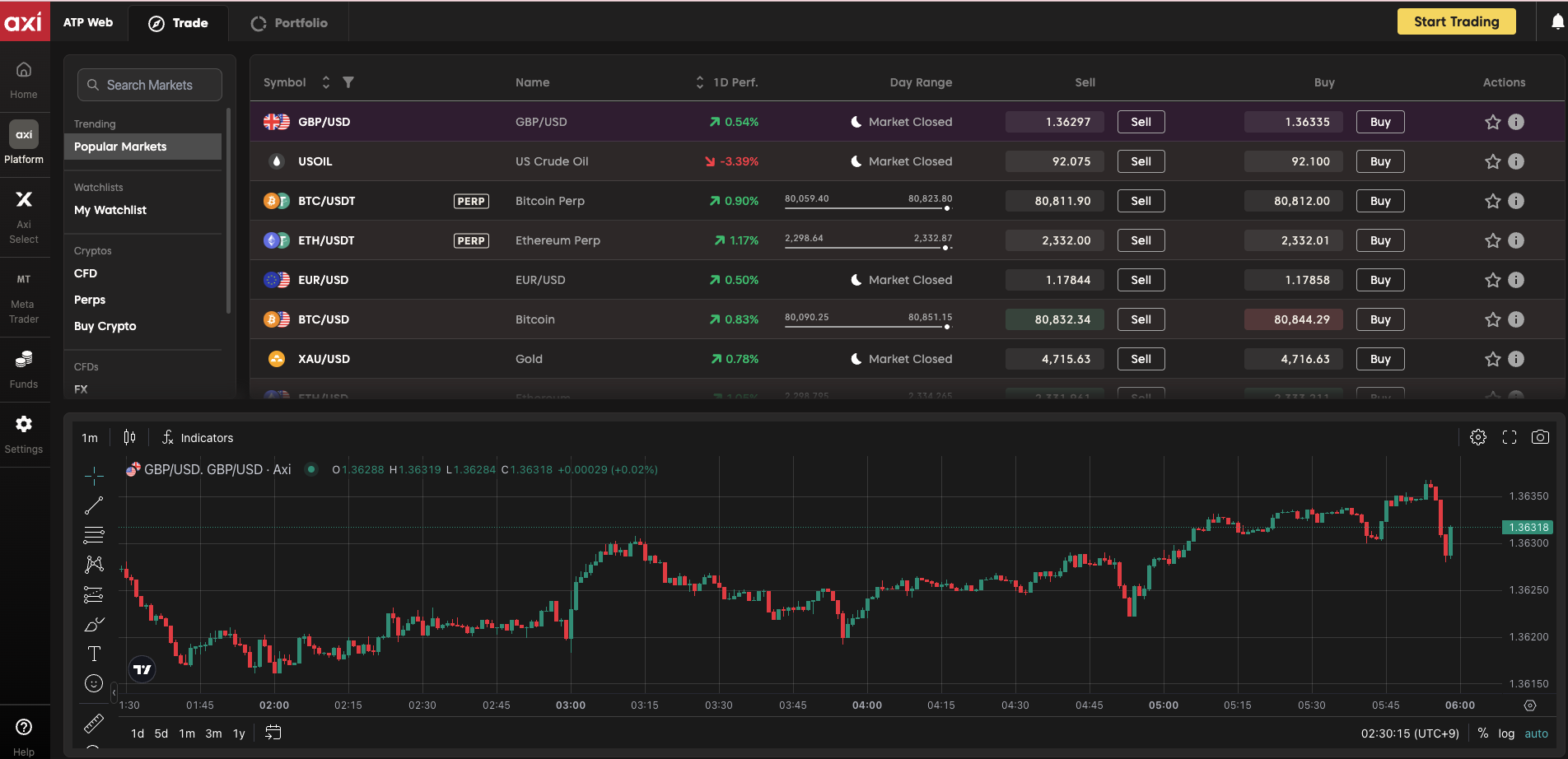
Axi has a trade execution speed of 30ms and a maximum leverage of 1,000x
Combining an infrastructure with an average execution speed of 30ms with leverage up to 1,000x, this platform caters to traders who demand both execution quality and capital efficiency, from scalping to high-leverage trading
REASON 02
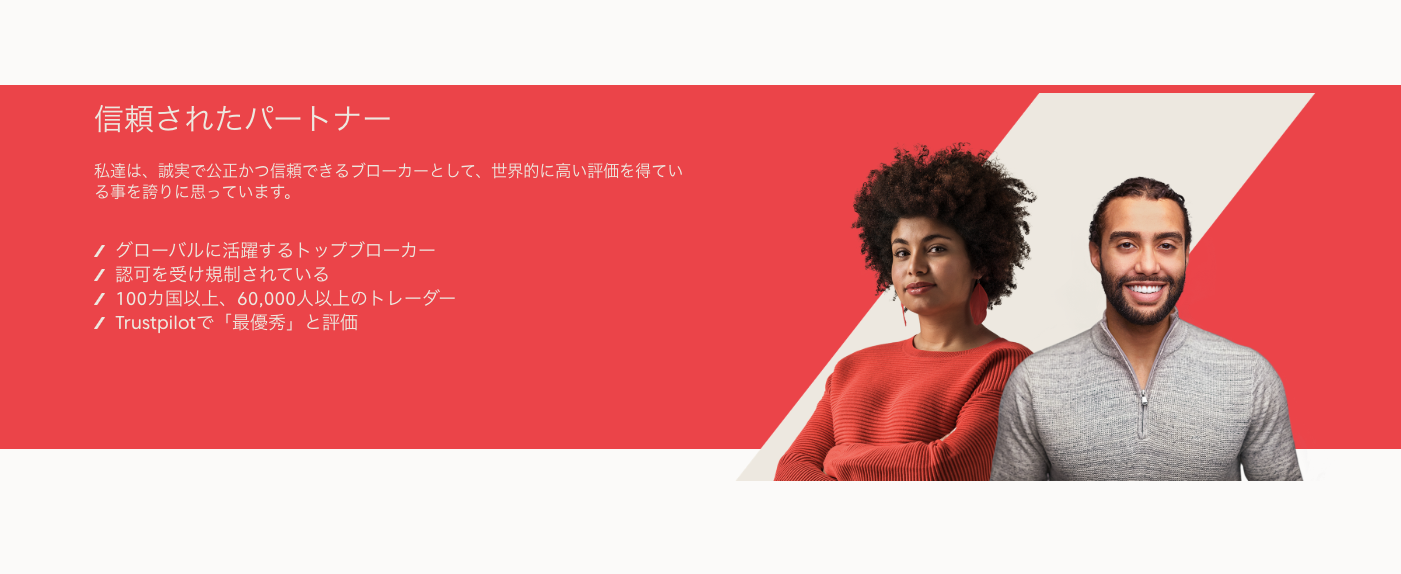
Axi, founded in 2007 under ASIC (Australia Tier 1) regulations
A long-established broker that serves as an official partner of Manchester City FC in the English Premier League. It operates under Tier 1 regulations, which is rare among overseas forex brokers, and its reliability is among the best in the industry
REASON 03
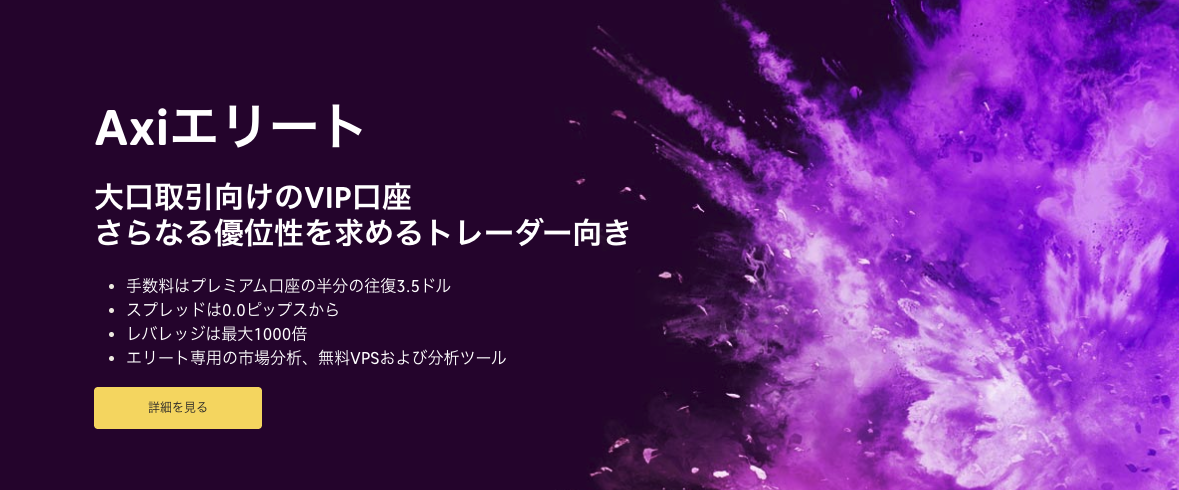
Axi offers three account types to accommodate everyone from beginners to large investors
Three account types are available: Standard (no initial deposit requirement, 0.6 pips spread), Premium (round trip $4.5, 0.0 pips and up), and Elite (round trip $3.5, cumulative minimum $25,000). You can optimize your account based on your level and capital

ABOUT
What is Axi?A complete guide to its basics.
Account type
- Leverageup to 1000x
- spread: 0.6 pips
- No fees
- minimum depositrequired
- Leverageup to 1000x
- spread: 0.0 pips
- fee:USD 4.5
- Minimum deposit:USD 500 (Initial deposit required. Fund transfers are not eligible.)
- Leverageup to 1000x
- spread: 0.0 pips
- fee:USD 3.5
- minimum deposit amountUSD 25,000
Company Profile
 Operating company:AxiTrader Limited (Axi Group)
 Establishedin 2007
 Headquarters:Suite 305, Griffith Corporate Centre, PO Box 1510, Beachmont Kingstown, St Vincent and the Grenadines
Transaction specifications
 Maximum leverageup to 1,000x
 Products handled:
 currency pair70+
 Trading tools:MT4 / MT5 / Axi Trading Platform
 Zero cutadopted
 Japanese language supportavailable
EVALUATION
Axi's strengths and weaknesses
✅ Strengths
-
✓Reliability of the four major Tier 1 licensesAccredited by four Tier 1 regulatory bodies: ASIC, FCA, CySEC, and DFSA. Proven track record of overcoming challenges such as the Lehman Shock and the COVID-19 pandemic since 2007
-
✓High-speed execution/NDD methodFast execution without requotes. An ideal environment for scalping and EA (Expert Advisor) trading
-
✓Official Partner of Manchester City FCSince 2020, we have had official partnership agreements with prestigious Premier League clubs, backed by our financial strength and credibility as a company
-
✓Axi Select (up to $1M funding)Register for a fee of approximately $0.00 per month and receive up to $1 million in funding. Proprietary trading program where you can receive up to 80% of your profits
-
✓Cryptocurrency CFDs: 35 instruments x up to 200x leverageSupports 35+ cryptocurrencies, including BTC and ETH. Cryptocurrency CFDs can also be traded using the same account as FX
⚠️ Points to note
-
⚠No permanent bonusThere are no permanent account opening bonus campaigns. Deposit bonuses are sometimes offered for a limited time
-
⚠Minimum deposit for Pro accountA Pro account requires an initial deposit of $500, and an Elite account requires an initial deposit of $25,000. A Standard account starts from $5
-
⚠Japanese language support is still under developmentWhile they offer 24/7 support five days a week, there is room for improvement compared to other companies (such as XM, which offers 24/7/365 support)
comprehensive evaluation
Recommended for: Traders who prioritize security and a safe trading environment. The four major licenses (ASIC/FCA/CySEC/DFSA) offer industry-leading reliability. Ideal for scalping and EA (Expert Advisor) trading. Funding is also available through Axi Select, making it perfect for experienced traders.
Other recommended brokers: If bonuses are your priority, BigBoss or AxonMarkets (they have permanent account opening and deposit bonuses); if spreads are your top priority, HFM or XS (unlimited leverage + extremely narrow spreads) are good options.
COMPARISON
\ You'll regret it if you don't know this /
Register directly from the official website vs.
Register from this page
| item | Register directly from the official website.from the official website Register directly |
 Register via Moneychavia Moneycha Register via Moneychavia MoneychaRegister |
|---|---|---|
| Cashback | none | 40.00% of the spread will be returned |
| Japanese support | Broker support only | Broker + MoneyChat (two points of contact) |
| Additional benefits | none | EA / Copy trading / Gacha / Tournaments, etc |
| Registration process | same | Same (5 minutes from the referral link) |
| Terms of Transaction | same | same |
Yet,if you go through MoneyChat, you get cashback for every trade you make on Axi.
GET STARTED
How to get started with Axi

via the referral link.
Access the official siteAccess the official site via the referral link.
Cashback will not be provided unless you use Manecha's referral link
Approximately 10 seconds
Enter the
open an account.required information to
Submit your name, email address, and identification documents. Select your account type
Approximately 3 minutes
Deposit money
.and start trading
Once approved, you will earn cashback for each transaction
Immediate reflectionGet cashback automatically in 1 minute by using the referral link
EXTRA BENEFITS
Even if you're not using Axi, you'll get cashback if you register with Moneycha.
Money Charger is an overseas Forex cashback service.
It supports 25+ brokers and has an approx. $125M payment record.

Supports 25 vendors
Cashback from companies other than Axi

Centralized management
Manage the income and expenses of all businesses with a single MoneyChat account
Five benefits you can receive by registering with Moneycha

Free support
Japanese chat support
available for troubleshooting trading and withdrawal issues.

OMEGA EA
EA, winner of the Tenkaichi Budokai, currently has
83 active players.

AI Copy Training
AI is currently trading 24 hours a day
with 56 participants.

Tenkaichi Budokai
A tournament to determine the strongest EA developer

Gacha Mission
Earn points through transactions → Receive fantastic prizes
receive benefits →
1 minute, completely free
FAQ
Frequently Asked Questions about Axi
We hold a license in Australia (ASIC) (Registration number: ACN 127 606 348)
Standard accounts have no minimum requirements, Premium accounts require a minimum of USD 500 (initial deposit required; fund transfers are not eligible), and Elite accounts can be started with a cumulative total of USD 25,000
Withdrawals via cryptocurrency take 1 day to 1 business day, while domestic bank transfers take 1 to 3 business days. Axi charges no fees (a $25 fee applies to withdrawals under $50)
This is a prop (prop) program where you can receive funds from Axi to manage your investments based on your trading performance. Registration is free, and you can receive up to $1 million in funding, with up to 80% of your profits
Yes. It supports cryptocurrency CFDs and allows trading with leverage up to 200x
Yes. Axi supports auto-rebates. Auto-rebates are a system where cashback for each trade is automatically credited to your trading account. If you wish to open an account with auto-rebates, please proceed using this dedicated auto-rebate link . However, please note that with Axi, once you enable auto-rebates, you cannot change it later.
RELATED
Axi related information

Account Opening Guide
A complete guide to opening an Axi account

Leverage Explanation
Detailed information on Axi's leverage specifications

Withdrawal Guide
Axi withdrawal methods and troubleshooting

Bonus Information
Axi's latest campaign

Reviews and testimonials
Real-world reviews of Axi

Cashback details
Axi cashback rate comparison by account type

Warning about fake IB sites
Beware of fake Axi websites

Comparison with other companies
List of comparison articles between Axi and other companies
Start using Axi in the most cost-effective way.
Earn monthly cashback in USD instead of registering directly.
Start from the referral link in about 1 minute.

Get cashback automatically in 1 minute by using the referral link