












Fastest execution speed
Overseas forex brokers that offer low costs and fast execution

Get cashback automatically in 1 minute by using the referral link
WHY TITAN FX?
WhyTitan FXcontinues
to be chosen
REASON 01
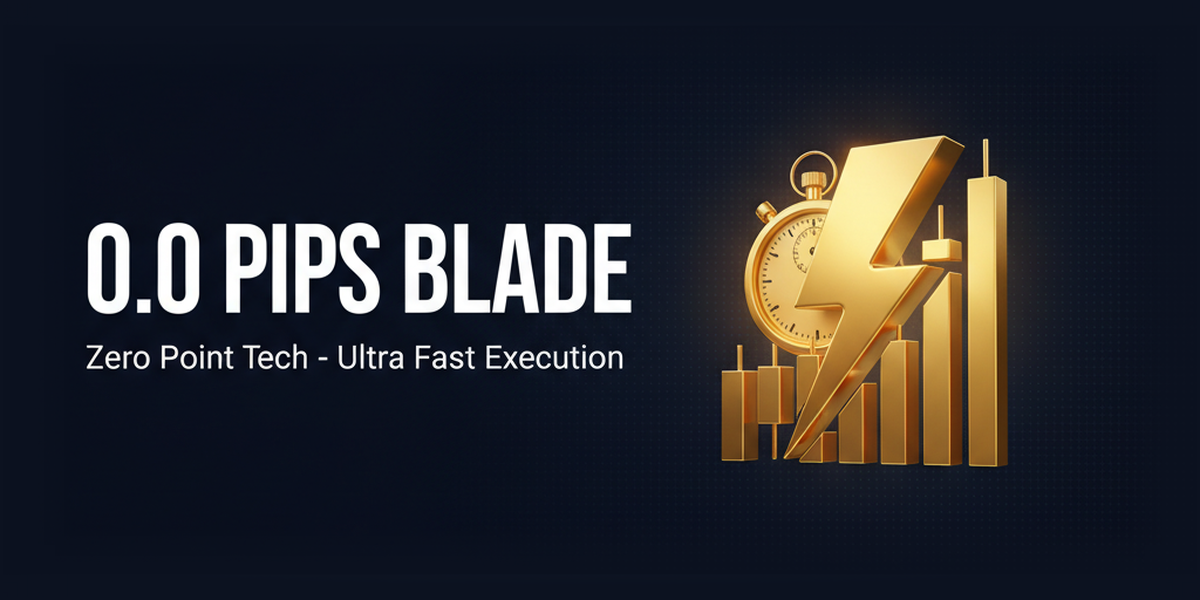
Zero Blade account: 0.0 pips × Zero Point Technology's high-speed execution
Titan FX's Zero Blade ECN account boasts spreads starting from 0.0 pips and ultra-fast execution in milliseconds thanks to its proprietary "Zero Point Technology." The server is directly connected to a major liquidity provider, creating a clean environment where slippage and order rejections are less likely. This allows for stress-free trading for scalping, EA use, and news trading, and has garnered immense support from intermediate to advanced traders seeking both low costs and high execution speeds
REASON 02
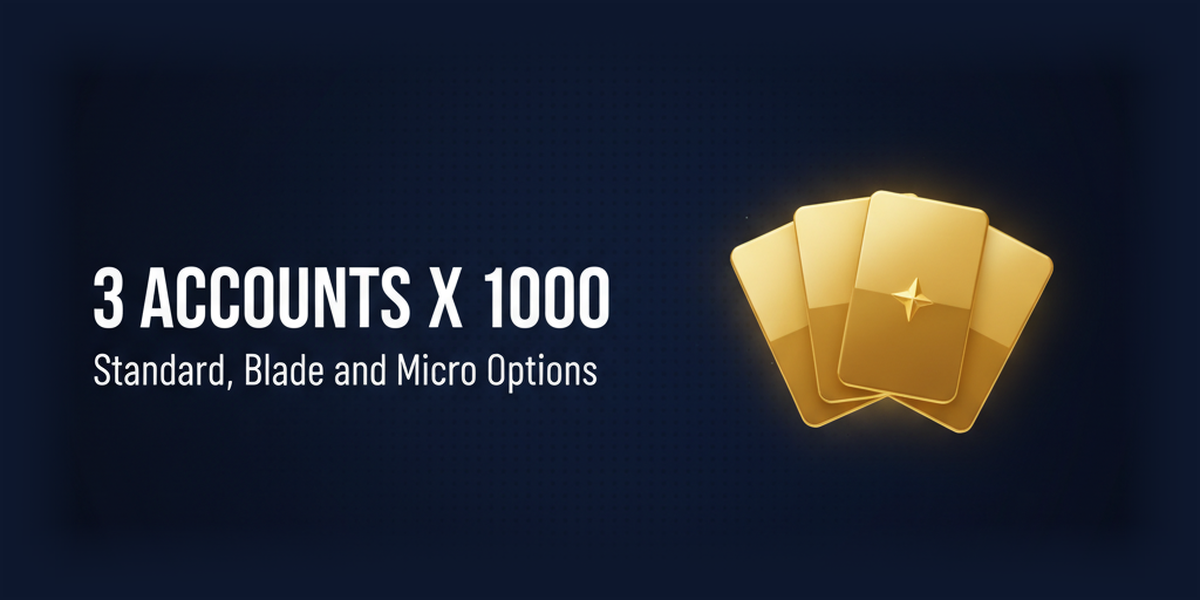
Zero Standard/Blade/Micro: 3 account types with a maximum leverage of 1,000x
Titan FX offers three account types: Zero Standard (commission-free), Zero Blade (commission-based ECN), and Zero Micro (small-amount trading), all of which offer leverage up to 1,000x. Its flexible structure allows users to choose the account that best suits their trading style, from simple traders to scalpers, EA users, and even those practicing with very small amounts. With a recommended minimum margin of $200, it's easy to get started, and the zero-cut policy eliminates the risk of margin calls

REASON 03
Licenses for four locations: Vanuatu, Mauritius, BVI, and Seychelles
Titan FX holds financial licenses in a total of four locations: Vanuatu VFSC (40313), Mauritius FSC (GB20026097), British Virgin Islands BVIFSC (SIBA/L/23/1124), and Seychelles SFSA (SD138). Established in 2014, it boasts over 10 years of operational experience, making it a stable, mid-sized broker with a solid track record in terms of licenses, operational history, and trading environment. It is a highly reliable company that has long been supported by Japanese investors
ABOUT
What is Titan FX?A complete guide to its basics.
Account type
- Leverage1,000x
- Spread1.2 pips ~
- No fees
- A minimum deposit of200 USD is recommended (no minimum limit).
- Leverage1,000x
- Spread0.0 pips ~
- Commission: 3.5 USD per lot (7 USD round trip)
- A minimum deposit of200 USD is recommended (no minimum limit).
- Leverage1,000x
- Spread1.2 pips ~
- No fees
- A minimum deposit of200 USD is recommended (no minimum limit).
Company Profile
 Operating companies:Titan FX Limited (Vanuatu) / Titan Markets (Mauritius) / Atlantic Markets Limited (BVI) / Goliath Trading Limited (Seychelles)
 Establishedin 2014
 Head office location:Port Vila, Vanuatu
Transaction specifications
 Maximum leverageof 1,000x
 Products handled:
 currency pair60+
 Trading tools:MT4 / MT5
 Zero cutadopted
 Japanese language supportavailable
EVALUATION
Strengths and weaknesses of Titan FX
✅ Strengths
-
✓Industry's narrowest spreadUltra-low cost trading with Zero Blade accounts: USD/JPY from 0.1 pips
-
✓High-speed execution environmentZero Point Technology enables ultra-fast order execution
⚠️ Points to note
-
⚠Small bonusThere are basically no permanent bonus campaigns
COMPARISON
\ You'll regret it if you don't know this /
Register directly from the official website vs.
Register from this page
| item | Register directly from the official website.from the official website Register directly |
 If you register from this page...from this page If you register from this page...from this pageIf you register |
|---|---|---|
| Cashback | none | We 'll pass on the transaction costs to you!based on your transactions Rewards are given |
| Registration process | page. by Register following the instructions on the registration | It's the same amount of effort, but with cashback! |
| Terms of Transaction | same | same |
Even so, registering from this page can return tens to hundreds of USD in monthly cashback, depending on your trading volume.
Get cashback automatically in 1 minute by using the referral link
HOW TO OPEN
Titan FX Account Opening Procedure

from this page
AccessAccess from this page
You will be automatically redirected to the Titan FX official website via the MoneyChat referral link
Approximately 10 seconds
your personal information.
EnterEnter your personal information.
Enter your basic information such as your name, email address, and phone number
Approximately 2 minutes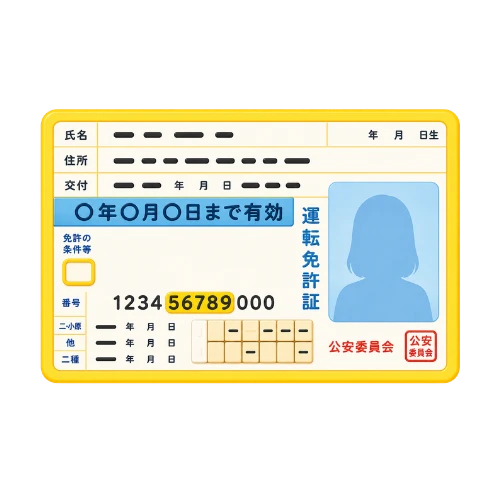
Upload your identity verification documents
Submit your ID and proof of address by dragging and dropping them
Approximately 3 minutes
Deposit money
.and start trading
Transactions are possible immediately after depositing funds via credit card, bank transfer, or cryptocurrency
Immediate reflectionSee detailed instructions for opening a Titan FX account →
A complete guide with screenshots, explaining common pitfalls
Get cashback automatically in 1 minute by using the referral link
How to start using Titan FX profitably
Get cashback while trading

Register for MoneyChat via the button on this page
After registering for free, you will open an account with Titan FX

Apply for your account number from My Page
If you submit your account number, it will be linked to your account for cashback eligibility

Earn cashback with every transaction
Cashback is generated based on trading volume and can be received through MoneyChat

Cashback available
By registering for Titan FX through Moneycha, you can receive cashback based on your trading activity. It's a more advantageous way to start than registering directly through the official website
Get cashback automatically in 1 minute by using the referral link
EXTRA BENEFITS
Even with brokers other than Titan FX, you can get cashback if you register with MoneyChat.
Money Charger is an overseas Forex cashback service.
It supports 25+ brokers and has an approx. $125M payment record.
Supports 25 vendors
Cashback available from brokers other than Titan FX
Centralized management
Manage the income and expenses of all businesses with a single MoneyChat account
Five benefits you can receive by registering with Moneycha

Free support
Japanese chat support
available for troubleshooting trading and withdrawal issues.

OMEGA EA
EA, winner of the Tenkaichi Budokai, currently has
83 active players.

AI Copy Training
AI is currently trading 24 hours a day
with 56 participants.

Tenkaichi Budokai
A tournament to determine the strongest EA developer

Gacha Mission
Earn points through transactions → Receive fantastic prizes
receive benefits →
1 minute, completely free
FAQ
Frequently Asked Questions about Titan FX
After the transaction, the cashback will be reflected in your MoneyChat My Page (usually within 1-3 business days). You can request a withdrawal from your My Page
Simply open an account through the referral link on this page, register for free with MoneyChat, and link your account number. It only takes one minute
Existing accounts are not eligible, but if you open an additional account through the referral link on this page, you will receive cashback on trades made in that account. Instructions for opening an account are provided in the "Account Opening Procedure" section on this page
Generally, you will need an email address, identification documents (such as a driver's license), and proof of address. For more details, please refer to /titan-fx/account-opening/
No. The trading conditions and support at Titan FX are exactly the same as when you register directly through the official website. In addition, you will receive cashback if you register through this page
RELATED
Related information about Titan FX
Account Opening Guide
A complete guide to opening an account with Titan FX

Leverage Explanation
Detailed explanation of Titan FX's leverage specifications

Withdrawal Guide
Titan FX Withdrawal Methods and Troubleshooting

Bonus Information
Titan FX's latest campaign

Reviews and testimonials
Real reviews of Titan FX

Cashback details
Titan FX Cashback Rate Comparison by Account Type

Warning about fake IB sites
Beware of fake Titan FX websites

Comparison with other companies
List of comparison articles between Titan FX and other companies
Start using Titan FX in the most advantageous way
Earn monthly cashback in USD instead of registering directly.
Start from the referral link in about 1 minute.

Get cashback automatically in 1 minute by using the referral link