












STARTRADER with abundant bonuses
Lloyd's Insurance offers coverage up to $1 million
Get cashback automatically in 1 minute by using the referral link
WHY STARTRADER?
Why does STARTRADER continue to be chosen?

REASON 01
Six financial licenses including ASIC/FCA × Lloyd's up to $1 million in coverage
STARTRADER holds a total of six financial licenses: ASIC (Australia, 66663183), FCA (UK, 821704), UAE SCA, South Africa FSCA, Mauritius FSC, and Seychelles FSA. Furthermore, it offers a double protection system with Lloyd's of London private compensation insurance covering up to $1 million per customer, and membership in the Financial Commission covering up to €20,000, providing one of the best fund protection environments among overseas forex brokers
REASON 02
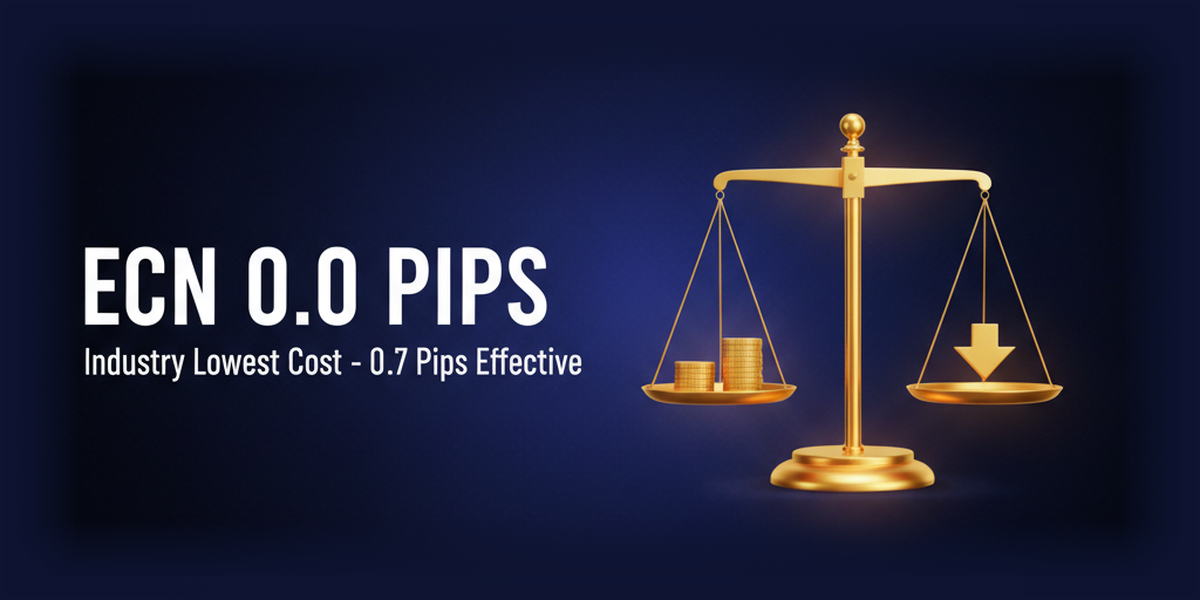
ECN account with industry-leading low costs of 0.0 pips to effectively 0.7 pips
STARTRADER's ECN account offers industry-leading low costs, with spreads starting from 0.0 pips and a trading commission of 3.5 USD/lot one way (7 USD round trip), effectively equivalent to a 0.7 pip spread for USD/JPY. Its NDD ECN system provides high transparency and minimizes slippage, making it ideal for scalping, EA trading, and large-volume trading. The low barrier to entry, starting with a minimum deposit of $20, is another key feature

REASON 03
800+ stocks x up to $45,000, with no leverage limit of 1,000x
STARTRADER offers over 800 tradable instruments, including 80+ currency pairs for FX, over 700 US stock CFDs, stock indices, commodities, cryptocurrency CFDs, and ETFs. Furthermore, it has no leverage limit of up to $1,000 for effective margin up to $45,000 (compared to $10,000 to $20,000 for other companies), and its flexibility to trade individual stocks such as Tesla and NVIDIA with high leverage is highly valued by large-scale and diversified traders
ABOUT
What is STARTRADER?A complete guide to its basics.
Account type
- Leverage1,000x
- Spread1.3 pips ~
- No fees
- Minimum deposit amountfrom 50 USD
- Leverage1,000x
- Spread0.0 pips ~ (effectively 0.7 pips for USD/JPY)
- Commission: 3.5 USD per lot (7 USD round trip)
- Minimum deposit amountfrom 20 USD
- Leverage1,000x
- Spread0.0 pips ~
- One-way commission: equivalent to 3.5 USD per lot
- Minimum deposit amount from25,000 USD (official confirmation required)
Company Profile
 The operating company isSTARTRADER Group (which operates multiple companies in the UAE, Australia, Seychelles, etc.).
 Establishedin 2008 (formerly IV Markets / rebranded as STARTRADER in 2024)
 HeadquartersLevel 2, Office 203, ONE CENTRAL, OFFICES 4, DWTC, Dubai, UAE
Transaction specifications
 Maximum leverageof 1,000x
 Products handled:
 currency pair80+
 Trading tools:MT4 / MT5 / WebTrader / Copy trading
 Zero cutadopted
 Japanese language supportavailable (email and chat).
EVALUATION
STARTRADER's strengths and weaknesses
✅ Strengths
-
✓Holds multiple major financial licensesWe hold five highly difficult-to-obtain licenses, including ASIC (Australia), CMA (UAE), and FSCA (South Africa). Compared to offshore-only companies, we offer a higher level of regulatory reliability
-
✓Lloyd's insurance provides financial coverage of up to 1 million USDIn addition to dispute resolution compensation of up to 20,000 EUR through membership in the Financial Commission, Lloyd's of London provides coverage of up to 1 million USD per person. This dual system of financial protection is among the best of overseas forex brokers
-
✓Ultra-low spreads on ECN accountsECN accounts offer spreads starting from 0.0 pips. Even with commissions included, the effective cost is approximately 0.7 pips for USD/JPY, making it one of the best in the industry. Ideal for scalping and EA trading
-
✓Over 800 brands availableIn addition to over 80 FX currency pairs, we offer broad coverage of over 700 US stock CFDs, indices, commodities, and cryptocurrencies. Access a diverse range of markets from a single platform
-
✓Unlimited maximum leverage up to $45,000There are no leverage restrictions up to an effective margin of $45,000, allowing you to fully utilize a leverage of 1,000x. This is a generous setting compared to other companies that impose restrictions between $10,000 and $20,000
⚠️ Points to note
-
⚠The types of bonuses are limitedThey only offer deposit bonuses; there are no account opening bonuses or anything like that. If bonuses are your priority, BigBoss or AxonMarkets offer better deals
comprehensive evaluation
Recommended for: Traders who prioritize safety and licensing. Those who value major licenses such as ASIC and CMA, plus fund protection through Lloyd's insurance, those who want to scalp or use EAs with low spreads, and those who want to trade multiple instruments in a single account.
Other recommended brokers: If you prioritize bonuses, BigBoss or AxonMarkets; if you prioritize maximum leverage, HFM's KATANA account (unlimited); and if you prioritize a long operating history, Axiory or Titan FX are recommended.
COMPARISON
\ You'll regret it if you don't know this /
Register directly from the official website vs.
Register from this page
| item | Register directly from the official website.from the official website Register directly |
 If you register from this page...from this page If you register from this page...from this pageIf you register |
|---|---|---|
| Cashback | none | We 'll pass on the transaction costs to you!based on your transactions Rewards are given |
| Registration process | page. by Register following the instructions on the registration | It's the same amount of effort, but with cashback! |
| Terms of Transaction | same | same |
Yet,simply by registering through this page, you'll receive tens of thousands of yen in cashback every month.
Get cashback automatically in 1 minute by using the referral link
REVIEWS
STARTRADER reviews and testimonials
Brokers with ASIC and CMA certifications are rare in the overseas forex market. Considering the security of funds, this is the most reassuring option
Source: X
The spreads on ECN accounts are incredibly narrow. USD/JPY spreads are 0.0-0.2 pips, and execution is fast. It's the perfect environment for scalpers
Source: X
The fact that you can use 1,000x leverage up to $45,000 is a significant advantage. Many other companies have a limit of $10,000
Source: X
The withdrawal was faster than I expected. The money arrived the next day via bitwallet. The fact that there are no fees is a plus
Source: X
The appeal lies in the availability of over 700 stock CFDs. You can trade Tesla and NVIDIA with leverage through an overseas forex account
Source: Review site
STARTRADER has only recently changed its name and doesn't have much of a track record. I haven't heard much about its reputation from its IV Markets days either
Source: X
HOW TO OPEN
STARTRADER Account Opening Procedure

from this page
AccessAccess from this page
You will be automatically redirected to the STARTRADER official website via the Manecha referral link
Approximately 10 seconds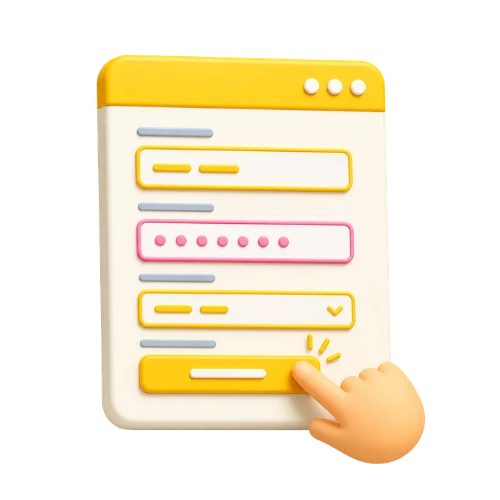
your personal information.
EnterEnter your personal information.
Enter your basic information such as your name, email address, and phone number
Approximately 2 minutes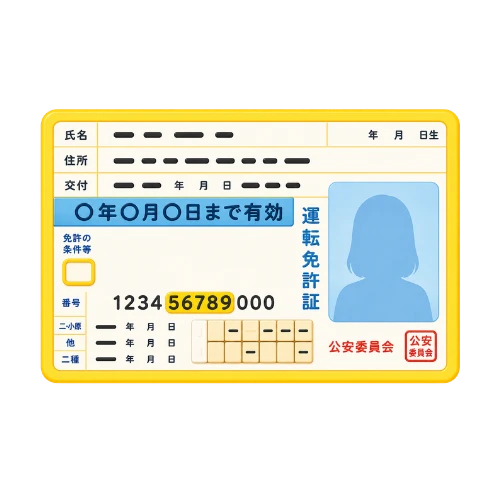
Upload your identity verification documents
Submit your ID and proof of address by dragging and dropping them
Approximately 3 minutes
Deposit money
.and start trading
Transactions are possible immediately after depositing funds via credit card, bank transfer, or cryptocurrency
Immediate reflectionSee detailed instructions for opening a STARTRADER account →
A complete guide with screenshots, explaining common pitfalls
Get cashback automatically in 1 minute by using the referral link
How to get started with STARTRADER at a great price
Get cashback while trading

Register for MoneyChat via the button on this page
After registering for free, you will open a STARTRADER account

Apply for your account number from My Page
If you submit your account number, it will be linked to your account for cashback eligibility

Earn cashback with every transaction
Cashback is generated based on trading volume and can be received through MoneyChat

Cashback available
By registering for STARTRADER through Moneycha, you can receive cashback based on your trading activity. It's a more advantageous way to start than registering directly through the official website
Get cashback automatically in 1 minute by using the referral link
EXTRA BENEFITS
Even with companies other than STARTRADER, you can get cashback if you register with Moneycha.
MoneyChat is an overseas forex cashback service.
It supports over 25 brokersand
has a cumulative payment record of 20 billion yen.
Supports 25 vendors
Cashback available from vendors other than STARTRADER
Centralized management
Manage the income and expenses of all businesses with a single MoneyChat account
Five benefits you can receive by registering with Moneycha

Free support
Japanese chat support
available for troubleshooting trading and withdrawal issues.

OMEGA EA
EA, winner of the Tenkaichi Budokai, currently has
83 active players.

AI Copy Training
AI is currently trading 24 hours a day
with 56 participants.

Tenkaichi Budokai
A tournament to determine the strongest EA developer

Gacha Mission
Earn points through transactions → Receive fantastic prizes
receive benefits →
1 minute, completely free
FAQ
Frequently Asked Questions about STARTRADER
Yes, it's completely free. There are no account maintenance fees either
The input process can be completed in as little as 5 minutes. Identity verification is usually completed within one business day, and you will receive your MT4/MT5 login information via email
For beginners or those who want a simpler fee calculation, the Standard account is recommended. For those who prioritize low costs, such as scalping or EA trading, the ECN account is recommended
In addition to holding five financial licenses including ASIC and CMA, it boasts a dual protection system with membership in the Financial Commission (up to 20,000 EUR) and Lloyd's insurance (up to 1 million USD), making it one of the safest overseas forex brokers
Yes, if you accept the 100% deposit bonus, your maximum leverage will be limited from 1,000x to 500x. If you prioritize high-leverage trading, you can choose not to accept the bonus
Yes, you can trade cryptocurrency CFDs such as BTC, ETH, XRP, SOL, and LINK. Trading is available 24 hours a day, 365 days a year
Even with an existing account, you can request a change in IB linkage from your STARTRADER My Page. After the change, registering your account on MoneyChat will make you eligible for cashback
RELATED
STARTRADER related information
Account Opening Guide
A complete guide to opening a STARTRADER account

Leverage Explanation
Detailed information on STARTRADER's leverage specifications

Withdrawal Guide
STARTRADER Withdrawal Methods and Troubleshooting

Bonus Information
STARTRADER's latest campaign

Reviews and testimonials
Real reviews of STARTRADER

Cashback details
STARTRADER Cashback Rate Comparison by Account Type

Warning about fake IB sites
Beware of fake STARTRADER websites

Comparison with other companies
List of comparison articles between STARTRADER and other companies
Start using STARTRADER in the most cost-effective way.
Get tens of thousands of yen in cashback every month directly from the official source.
Complete the process in just one minute using the referral link.

Get cashback automatically in 1 minute by using the referral link