














USD/JPY effectively 0.6pipsOQTima
Low-cost overseas forex brokers

Get cashback automatically in 1 minute by using the referral link
WHY OQTIMA?
Why does OQTima continue to be chosen?
REASON 01
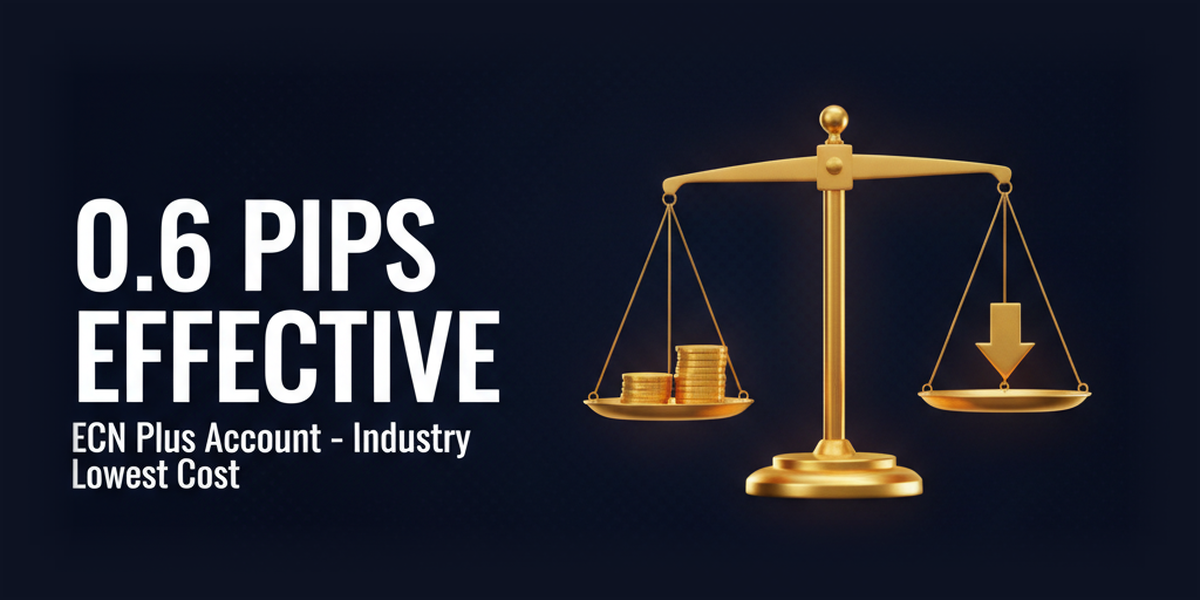
ECN+ account USD/JPY at virtually 0.6 pips, among the lowest costs in the industry
OQTima's ECN+ account boasts spreads starting from 0.0 pips, and with a round-trip trading commission of 6 USD/lot, it achieves an effective cost of an average of 0.6 pips for USD/JPY. This is lower than XM's KIWAMI account (0.7 pips), making it one of the cheapest trading costs in the industry among overseas FX brokers. With its NDD ECN method, it offers high transparency and is less prone to slippage, earning it tremendous support from professional traders who engage in scalping, EAs, and large-volume trading

REASON 02
A wide range of trading environments with MT4/MT5/cTrader and over 300 instruments across 7 asset classes
In addition to MT4 and MT5, OQTimawill support cTrader from 2024, allowing you to trade over 300 instruments across 7 asset classes, including 80 FX instruments, 45 cryptocurrencies, 91 stock CFDs, over 100 ETFs, and 20 stock indices, all from a single account. It also supports cTrader Copy (copy trading), Level II pricing, and algorithmic trading, providing a trading environment that covers all strategies from discretionary to system-based trading

REASON 03
CySEC + FSA dual licensing × Trustworthy veteran management team
Despite being a relatively new broker, OQTimaboasts a dual licensing system with CySEC (406/21) in Cyprus and FSA (SD109) in the EU, and has earned a high Trustpilot rating of 4.6/5.0 (based on over 110 reviews). Its management team consists of veterans fromIC Markets, TMGM, FxPro, and FP Markets, and its CEO is Angelo D'Alessio from Italy. This reliable management structure, even for a new broker, is the reason for its trustworthiness
ABOUT
OQTimaWhat isComplete coverage of basic information.
Account type
- Leverage1,000x
- Spread1.0 pips ~
- No fees
- Minimum deposit amountfrom 100 USD
- Leverage1,000x
- Spread0.0 pips ~ (effectively 0.6 pips for USD/JPY)
- commission: 6 USD/lot
- Minimum deposit amountfrom 100 USD
Company Profile
 Operating companies:CDE Global Markets Ltd (Seychelles,OQtima INT. LTD) / OQtima EU Ltd (Cyprus)
 Establishedin 2023
 Head office locationIMADCOMPLEX, Office 7, UNIT 204, 1st Floor, Ile Du Port, Seychelles
Transaction specifications
 Maximum leverageof 1,000x (FSA entity)
 Products handled:
 currency pairs(FX pairs) / Over 300 instruments in total
 Trading tools:MT4 / MT5 / cTrader
 Zero cutadopted
 Japanese language supportis available (email, chat, LINE, WhatsApp, 24 hours a day on weekdays).
EVALUATION
OQTima's strengths and weaknesses
✅ Strengths
-
✓USD/JPY in ECN+ account: effectively 0.6 pipsWith a spread of 0.0 pips and a round-trip commission of 6 USD/lot, the effective cost for USD/JPY averages 0.6 pips. This is lower than XM's KIWAMI account (0.7 pips), making it one of the cheapest cost environments in the industry
-
✓Fast executionThe NDD ECN method offers high transparency and minimizes slippage. There are absolutely no restrictions on scalping or using EAs
-
✓Compatible with MT4, MT5, and cTraderStarting in 2024, we will be offering cTrader, a platform with limited support from other brokers in the industry. It supports Level II pricing, algorithmic trading, and cTrader Copy, covering a wide range of trading styles from discretionary to system trading
-
✓A wide range of products with over 300 securities across 7 asset classesOver 300 instruments in total, including 80 FX instruments, 45 cryptocurrencies, 91 stocks, over 100 ETFs, and 20 stock indices. Access global markets with a single account
-
✓CySEC + FSA Dual LicenseDespite being a relatively new broker, it holds two licenses: Cyprus' CySEC (406/21) and Seychelles' FSA (SD109). Its management team, comprised of formerIC Markets, TMGM, and FxPro employees, contributes to its high level of reliability
⚠️ Points to note
-
⚠It has a short operating history (established in 2023)As it has been established for less than three years, it has not yet accumulated a long-term track record. For large deposits, a gradual investment approach is recommended. If you prioritize long-term performance, consider [XM](/xm/) (established in 2009) or [Axiory](/axiory/) (established in 2011)
-
⚠There are few bonus campaignsThere is no account opening bonus, and the deposit bonus is region-specific with a maximum of $500. If bonuses are your priority, we recommend considering [BigBoss](/bigboss/) or [XM](/xm/)
-
⚠Minimum deposit $100A minimum deposit of $100 is required for all account types. For beginners who want to start with a small amount, [BigBoss] (/bigboss/) (no minimum deposit) is recommended
-
⚠A dormancy fee of $20 per month is charged for accounts left inactive for 6 monthsIf there are no transactions for more than 6 months, a monthly account maintenance fee of $20 will be charged. Accounts that have been left inactive for a long time must be closed
comprehensive evaluation
Recommended for: Scalpers and day traders seeking low-cost trading in an ECN environment, cTrader users, and intermediate to advanced traders who want to trade stock CFDs and ETFs in the same account.
Other recommended brokers: if you prioritize bonusesBigBossif you want to start with no minimum depositBigBossa long operating history.Axioryprioritize
COMPARISON
\ You'll regret it if you don't know this /
Register directly from the official website vs.
Register from this page
| item | Register directly from the official website.from the official website Register directly |
 Register via Moneychavia Moneycha Register via Moneychavia MoneychaRegister |
|---|---|---|
| Cashback | none | You get $3.00 back per lot |
| Japanese support | Broker support only | Broker + MoneyChat (two points of contact) |
| Additional benefits | none | EA / Copy trading / Gacha / Tournaments, etc |
| Registration process | same | Same (5 minutes from the referral link) |
| Terms of Transaction | same | same |
Yet,if you go through Moneychat,OQTimayou get cashback for every transaction you make on
REVIEWS
OQTimareviews and testimonials
The spreads on the ECN+ account are surprisingly narrow. The USD/JPY spread is stable at 0.1-0.3 pips
Source: TrustPilot
The best thing is that you can use cTrader. Being able to trade while viewing order book information is a strength that other companies don't have
Source: TrustPilot
The execution speed is fast. There is almost no slippage, making it suitable for scalping
Source: X
The support staff's Japanese is excellent. I got a quick response when I asked a question via LINE
Source: Review site
The withdrawal was fast. The money arrived on the same day I applied via STICPAY
Source: TrustPilot
Established in 2023, it's relatively new. While its specifications are good, I'm still hesitant to entrust it with a large sum of money
Source: X
GET STARTED
How to get started with OQTima

via the referral link.
Access the official siteAccess the official site via the referral link.
Cashback will not be provided unless you use Manecha's referral link
Approximately 10 seconds
Enter the
open an account.required information to
Submit your name, email address, and identification documents. Select your account type
Approximately 3 minutes
Deposit money
.and start trading
Once approved, you will earn cashback for each transaction
Immediate reflectionGet cashback automatically in 1 minute by using the referral link
EXTRA BENEFITS
OQTimaEven with providers other than , you can get cashback if you register with Moneycha.
Money Charger is an overseas Forex cashback service.
It supports 25+ brokers and has an approx. $125M payment record.

Supports 25 vendors
Cashback available from vendors other than OQTima

Centralized management
Manage the income and expenses of all businesses with a single MoneyChat account
Five benefits you can receive by registering with Moneycha

Free support
Japanese chat support
available for troubleshooting trading and withdrawal issues.

OMEGA EA
EA, winner of the Tenkaichi Budokai, currently has
83 active players.

AI Copy Training
AI is currently trading 24 hours a day
with 56 participants.

Tenkaichi Budokai
A tournament to determine the strongest EA developer

Gacha Mission
Earn points through transactions → Receive fantastic prizes
receive benefits →
1 minute, completely free
FAQ
Frequently Asked Questions about OQTima
Yes, opening anOQTimaaccount is completely free. However, please note that a dormancy fee of $20 per month will be charged if there are no transactions for more than 6 months
OQTima's maximum leverage is 1,000x in the FSA (Seychelles) entity. Since Japanese residents open accounts in the FSA entity, the 1,000x leverage applies to them as well
For simple trading or FX beginners, the ONE account (no commission, starting from 1.0 pips) is recommended. Scalpers and intermediate/advanced traders who want to minimize trading costs should choose the ECN+ account (starting from 0.0 pips, round trip 6 USD/lot)
Yes, in addition to MT4 and MT5, cTrader is also available. It also includes a cTrader Copy (copy trading) function
It's basically free. However, a 3% fee will be charged for withdrawals exceeding 5 times a month, or for withdrawals without any trading activity
There is no account opening bonus. A 100% deposit bonus (up to $500) is offered in some regions, but it is not always available in Japan
OQTimaholds dual licenses from Cyprus CySEC (406/21) and Seychelles FSA (SD109). Operated by formerIC Markets, TMGM, and FxPro employees, its regulatory reliability is high for a newly established broker
Please enter your OQTimatrading account number (MT4/MT5/cTrader account number)
No.OQTimadoes not currently support auto-rebates. To receive cashback, please register your account number on your MoneyChat My Page
RELATED
Related information about OQTima

Account Opening Guide
A complete guide to opening an OQTimaaccount

Leverage Explanation
Detailed information on OQTima's leverage specifications

Withdrawal Guide
OQTimawithdrawal methods and troubleshooting

Bonus Information
OQTima's latest campaign

Reviews and testimonials
Real reviews of OQTima

Cashback details
OQTimaCashback Rate Comparison by Account Type

Warning about fake IB sites
Beware of fake OQTimawebsites

Comparison with other companies
List of comparison articles between OQTima and other companies
Start using OQTimaOQTima the most cost-effective way.
Earn monthly cashback in USD instead of registering directly.
Start from the referral link in about 1 minute.

Get cashback automatically in 1 minute by using the referral link