














Bitunix certified by FinCEN in the United States
Up to 200x leverage &

Get cashback automatically in 1 minute by using the referral link
WHY BITUNIX?
Why does Bitunix
continue to be chosen?
REASON 01
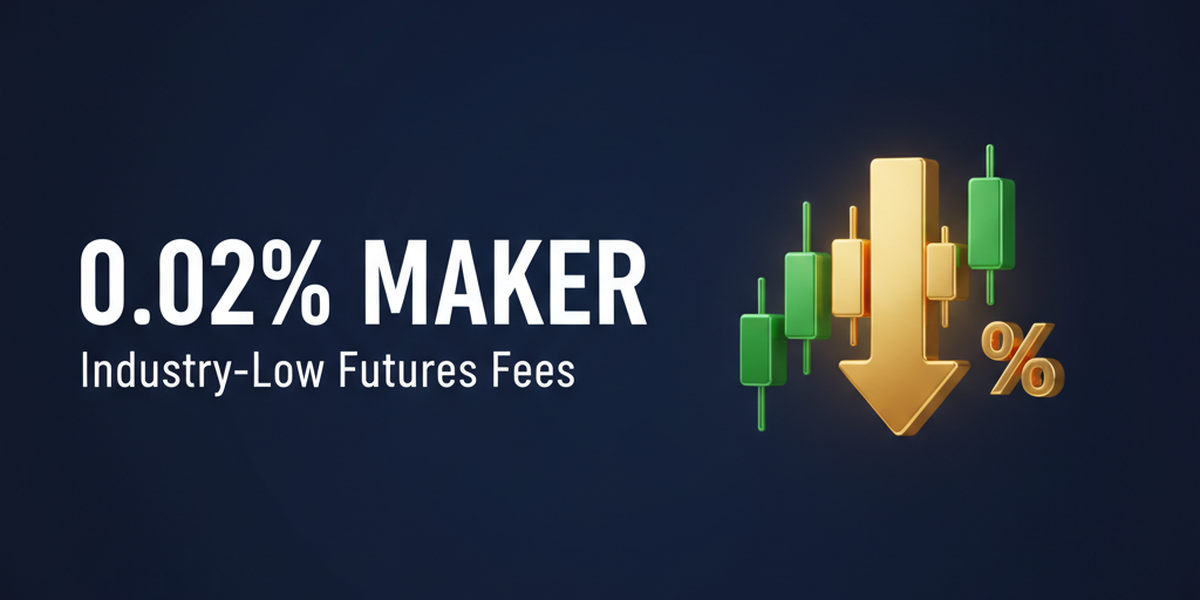
Futures maker fees are among the lowest in the industry at 0.02%
Bitunixoffers some of the lowest commission rates in the industry for futures trading, with Makers at 0.02% and Takers at 0.06%. Furthermore, its VIP 1-7 ranking system offers tiered commission discounts based on trading volume, allowing heavy traders to enjoy significant cost savings. It's an ideal exchange for traders who want to minimize fees while scalping or day trading
REASON 02
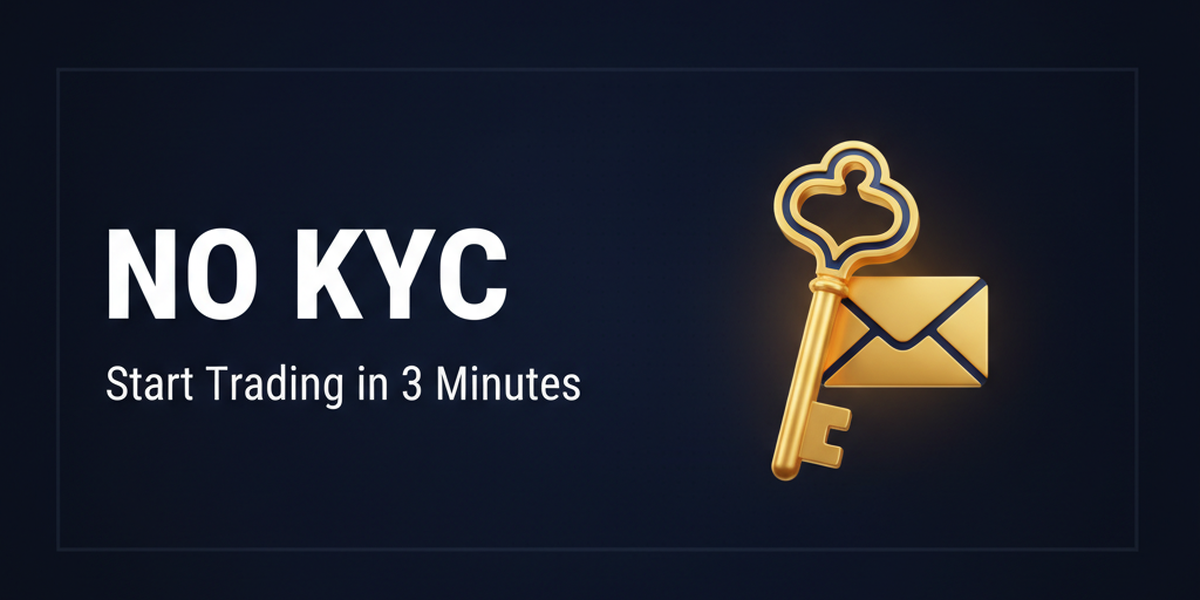
Start trading immediately with just email registration, no KYC required
Bitunixis a KYC-less exchange where you can start trading immediately by simply registering your email address. Even at Level 0, which does not require KYC verification, you can withdraw up to 20,000 USDT per day, and you can start trading within minutes of registration. Because there is no need to prepare identity verification documents or wait for approval, it is widely supported by everyone from beginners who want to easily try out cryptocurrency futures to intermediate and advanced traders who want to quickly switch between multiple exchanges
REASON 03
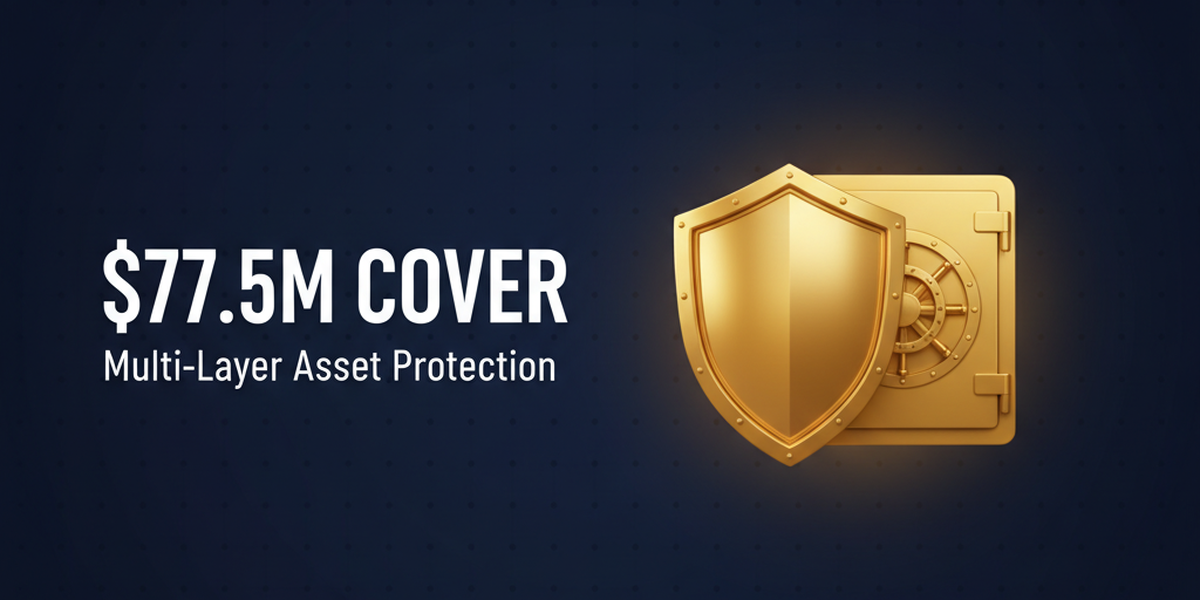
User assets are heavily protected with multi-layered insurance exceeding $77.5 million
Bitunixprotects user assets with a multi-layered safety net of over $77.5 million, consisting of $5 million in insurance, $42.5 million in custody coverage by Fireblocks, and a $30 million Care Fund. Furthermore, it has established a robust security system in terms of both technology and transparency, including being security audited by Hacken, employing MPC (Multi-Party Computation) custody, and publishing monthly Proof of Reserves
ABOUT
BitunixWhat isA complete guide to its basics.
Account type
- Leverage200x (BTC/USDT, ETH/USDT) / 125x (other altcoins)
- スプレッドSpread (linked to futures and market spreads)
- Fees:Maker 0.02% / Taker 0.06% (tiered discounts for VIP levels 1-7)
- Minimum deposit:10 USD equivalent (Cryptocurrency transfers are free of charge)
- Leverage1x (spot trading)
- スプレッドSpread (spot trading, linked to market spread)
- Transaction fee:Maker 0.08% / Taker 0.10%
- Minimum deposit:10 USD equivalent (Cryptocurrency transfers are free of charge)
Company Profile
 Operating company:Bitunix Fintech LLC
 Establishedin 2021
 Headquarters location:Saint Vincent and the Grenadines
Transaction specifications
 Maximum leverageof up to 200x (125x depending on the product/conditions)
 Products handled:
 currency pair—
 tradingplatform (TradingView integrated)
 the zero-cutexchange's insurance fund (Bitunixplease check
 Japanese language supportis available (website and app are available in Japanese).
EVALUATION
Bitunix's strengths and weaknesses
✅ Strengths
-
✓Low transaction feesThe futures maker rate of 0.02% and the taker rate of 0.06% are among the lowest in the industry. Further discounts are available in stages for VIP ranks (VIP 1-7)
-
✓Copy trading supportedAutomatically copy trades from over 1,900 leading traders. Performance metrics such as returns, win rates, and drawdowns are transparently displayed. No additional fees (only 10% of profits)
-
✓Trading is possible without KYCYou can register and start trading with just your email address. Even with KYC Level 0, you can withdraw up to 20,000 USDT per day, making it easy to get started
-
✓TradingView IntegrationTradingView is now fully integrated into the mobile app, offering access to over 50 technical indicators, drawing tools, and multi-timeframe analysis
-
✓Robust security systemAudited by Hacken, MPC (Multi-Party Calculation) custody, monthly Proof of Reserves published. Assets protected with $5M insurance + $42.5M Fireblocks coverage + $30M Care Fund
⚠️ Points to note
-
⚠FX trading is not availableAs this is a cryptocurrency-only exchange, it does not handle foreign exchange trading (such as USD/JPY or EUR/USD)
-
⚠Not compatible with MT4/MT5Because it uses a proprietary platform, existing EAs (Expert Advisors/automated trading systems) cannot be used. However, the charting functionality is enhanced by the TradingView integration
-
⚠No direct deposits or withdrawals in Japanese yenFiat currency is only accepted via P2P (supporting over 60 currencies) or third-party methods (MoonPay/Banxa). Cryptocurrency deposits are free of charge
comprehensive evaluation
Recommended for: Traders who want to trade cryptocurrency futures at low cost. Especially recommended for copy trading users and those who want to start easily without KYC.
Another recommended broker: For FX trading,HFMXSXSwe recommend
COMPARISON
\ You'll regret it if you don't know this /
Register directly from the official website vs.
Register from this page
| item | Register directly from the official website.from the official website Register directly |
 Register via Moneychavia Moneycha Register via Moneychavia MoneychaRegister |
|---|---|---|
| Cashback | none | 40% of the transaction fees will be refunded |
| Japanese support | Broker support only | Broker + MoneyChat (two points of contact) |
| Additional benefits | none | EA / Copy trading / Gacha / Tournaments, etc |
| Registration process | same | Same (5 minutes from the referral link) |
| Terms of Transaction | same | same |
Yet,if you go through Moneychat,Bitunixyou get cashback for every trade you make on
REVIEWS
Bitunixreputation and reviews
The futures commission is 0.02% for makers, which is considerably cheaper than other exchanges. I use it as my main platform
Source: X
Copy trading is convenient. It's easy to choose because you can see the results in numbers
Source: X
The fact that TradingView is integrated into the app is subtly amazing. You can analyze data even when you're on the go
Source: X
I was able to start trading immediately without KYC. Registration took about 3 minutes
Source: X
The addition of 200x leverage makes it easier to take positions in BTC/ETH
Source: X
It's a shame that FX currency pairs can't be traded. It's cryptocurrency-only
Source: X
GET STARTED
How to get started with Bitunix

via the referral link.
Access the official siteAccess the official site via the referral link.
Cashback will not be provided unless you use Manecha's referral link
Approximately 10 seconds
Enter the
open an account.required information to
Submit your name, email address, and identification documents. Select your account type
Approximately 3 minutes
Deposit money
.and start trading
Once approved, you will earn cashback for each transaction
Immediate reflectionGet cashback automatically in 1 minute by using the referral link
EXTRA BENEFITS
BitunixEven if you use a different provider than
you'll get cashback
if you register with Moneycha.
Money Charger is an overseas Forex cashback service.
It supports 25+ brokers and has an approx. $125M payment record.

Supports 25 vendors
Cashback from providers other than Bitunix

Centralized management
Manage the income and expenses of all businesses with a single MoneyChat account
Five benefits you can receive by registering with Moneycha

Free support
Japanese chat support
available for troubleshooting trading and withdrawal issues.

OMEGA EA
EA, winner of the Tenkaichi Budokai, currently has
83 active players.

AI Copy Training
AI is currently trading 24 hours a day
with 56 participants.

Tenkaichi Budokai
A tournament to determine the strongest EA developer

Gacha Mission
Earn points through transactions → Receive fantastic prizes
receive benefits →
1 minute, completely free
FAQ
Frequently Asked Questions about Bitunix
Yes, it's completely free. There are no maintenance fees either
Yes, you can start trading by registering with just your email address. However, the withdrawal limit is restricted to 20,000 USDT per day. This limit increases to 2,000,000 USDT per day upon completing KYC Level 1
Registration takes as little as 3 minutes. KYC verification is usually completed within a few minutes to 24 hours
The leverage for BTC/USDT and ETH/USDT futures is up to 200x, and for other altcoins it's up to 125x. This was increased from 125x to 200x in December 2025
No,Bitunixis a cryptocurrency-only exchange and does not support FX trading. For FX trading, please useHFM, XM,Exness, etc
This feature automatically copies the trades of experienced traders. You can choose from over 1,900 lead traders, and there are no additional fees; only 10% of your profits are deducted
Existing accounts are generally not eligible. Since you cannot switch from your current IB (Introducing Bank), you will need to re-register with a new email address
No.Bitunixdoes not currently support auto-rebates. To receive cashback, please register your account number on your MoneyChat My Page
RELATED
Bitunixrelated information

Account Opening Guide
A complete guide to opening a Bitunixaccount

Leverage Explanation
Detailed explanation of Bitunixleverage specifications

Withdrawal Guide
Bitunixwithdrawal methods and troubleshooting

Bonus Information
Bitunix's latest campaign

Reviews and testimonials
Real-world reputation of Bitunix

Cashback details
Bitunixcashback rates and account type comparison

Warning about fake IB sites
Beware of fake Bitunixwebsites

Comparison with other companies
List of comparison articles between Bitunix and other companies
Get started Bitunixwith in the most cost-effective way
Earn monthly cashback in USD instead of registering directly.
Start from the referral link in about 1 minute.

Get cashback automatically in 1 minute by using the referral link