














TheBingX No. 1 copy trading platform.
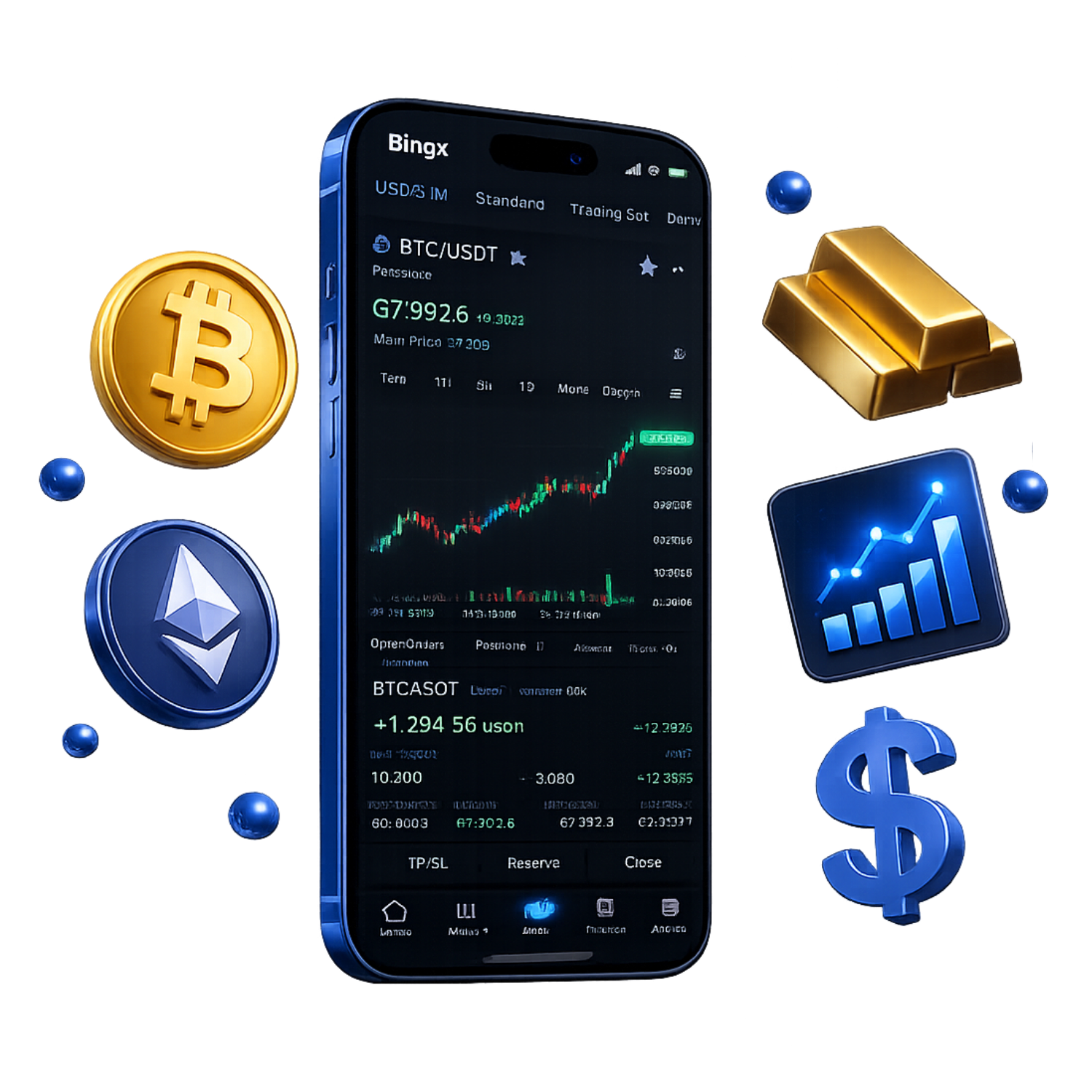
Trade cryptocurrencies and traditional assets together with CopyTrade x TraFi
Get cashback automatically in 1 minute by using the referral link
WHY BINGX?
WhyBingXcontinues
to be chosen
REASON 01
Copy trading feature that automatically copies professional trades
BingXoffers a copy trading feature that allows users to automatically copy professional traders' trades with a single tap. It supports both spot and futures markets, and allows for simulations using demo trading, enabling even beginners without a strategy to start trading with the same positions as professionals. Used by 40 million users worldwide, it's a flagship feature ofBingX
REASON 02
TraFi compatible, allowing you to trade cryptocurrencies, FX, and stocks with a single account
BingXwill fully enter the TradFi (traditional financial instruments) market from 2026, offering trading of over 100 products including foreign exchange, gold, crude oil, stocks, and indices with leverage up to 500x. Because a single account for cryptocurrencies can cover traditional assets as well, it eliminates the hassle of using multiple brokers, allowing for one-stop diversified investment
REASON 03
Assets are strictly protected with 100% Proof of Reserve (PoR)
BingXpublishes proof of reserves guaranteeing more than 100% of customer assets and also makes third-party audit reports publicly available. Furthermore, it has established a security system in cooperation with major cybersecurity organizations, eliminating concerns about exchange failure risk and asset outflow from both a technological and transparency perspective
ABOUT
BingXWhat isA complete guide to its basics.
Account type
- Leverage1x (spot trading)
- スプレッドSpread (spot trading, linked to market spread)
- Transaction fee:Maker 0.1% / Taker 0.1%
- minimum depositlimit (USDT transfers start from 5 USDT, depending on the network).
- Leverage150x (BTC) / 125x (ETH)
- スプレッドSpread (linked to futures and market spreads)
- Commission-free perpetual futures: Maker 0.02% / Taker 0.05%
- minimum depositlimit (USDT transfers start from 5 USDT, depending on the network).
- Leverage500x (FX/Gold) / 200x (Stock Indices)
- スプレッドSpread (Perpetual Futures - Linked to Market Spread)
- Fees:Maker 0.02% / Taker 0.05% (Discounts available for Standard Tier and VIP upgrades)
- minimum depositlimit (USDT transfers start from 5 USDT, depending on the network).
Company Profile
 Operating company:BingX Group
 Establishedin 2018
 Headquarters located inSingapore
Transaction specifications
 The maximum leveragefor futures is 150x for BTC and 125x for ETH.
 Products handled
 currency pairs(700+ cryptocurrencies / 100+ TradFi)
 the zero-cutexchange's insurance fund (BingXplease check
 Japanese language supportavailable
EVALUATION
BingX's strengths and weaknesses
✅ Strengths
-
✓Copy trading functionAutomatically copy the trades of professional traders. Even beginners can use professional strategies. You can also simulate with demo trading, and it supports copy trading for both spot and futures
-
✓TradFi compatible, allowing investment in a variety of assetsIn 2026, we will fully launch the TradFi market. Over 100 traditional financial instruments, including foreign exchange, gold, crude oil, stocks, and indices, will be available for trading with leverage up to 500x. At its peak, it is expected to account for 50% of the platform's total trading volume
-
✓100% Proof of Reserve (PoR)We guarantee over 100% of customer assets and make audit reports publicly available. We have a security system in collaboration with major cybersecurity organizations
-
✓Financial licenses from four countriesAccredited in four countries: US MSB, Canadian MSB, Australian DCE, and Lithuania MTR. A global compliance system has been established
-
✓Fully supported in Japanese + P2P Japanese Yen tradingThe website, app, and customer support are all available in Japanese. You can also buy and sell cryptocurrencies in Japanese yen via P2P trading
⚠️ Points to note
-
⚠No DeFi functionalityAsset management services such as staking and lending are not currently offered. If you want to earn returns through long-term holding, you will need to use other platforms in conjunction with this one
-
⚠The quality of copy traders variesTraders are a mixed bag, and you need a keen eye to spot the good ones. You need to carefully check their past performance and follower count
comprehensive evaluation
Recommended for: Beginners to intermediate traders who want to utilize copy trading. Ideal for traders who want to trade cryptocurrencies and traditional assets (FX, gold, stocks) in one place.
Other recommended brokers: If your goal is DeFi investment (staking, etc.), we recommend Bybit orBitgetXM orHFMwe recommend
COMPARISON
\ You'll regret it if you don't know this /
Register directly from the official website vs.
Register from this page
| item | Register directly from the official website.from the official website Register directly |
 Register via Moneychavia Moneycha Register via Moneychavia MoneychaRegister |
|---|---|---|
| Cashback | none | 28.80% of the spread is returned |
| Japanese support | Broker support only | Broker + MoneyChat (two points of contact) |
| Additional benefits | none | EA / Copy trading / Gacha / Tournaments, etc |
| Registration process | same | Same (5 minutes from the referral link) |
| Terms of Transaction | same | same |
Yet,if you go through Moneycha,BingXyou get cashback for every transaction you make on
REVIEWS
BingXreviews and testimonials
This exchange offers top-level credibility and service. They also provide excellent Japanese language support, making it a safe and reliable platform
Source: X
The ability to simulate copy trading is a great feature for beginners. There's also loss compensation, making it easy to get started
Source: X
The low fees for copy trading are a major draw. It offers good value for money compared to other exchanges
Source: Review site
The login bonuses are generous. It motivates me to check every day
Source: X
The biggest advantage of TradFi is that you can now trade stocks and gold as well. Everything can be done with just one cryptocurrency account
Source: X
Traders are a mixed bag; it's honestly difficult to spot the good ones
Source: X
GET STARTED
How to get started with BingX

via the referral link.
Access the official siteAccess the official site via the referral link.
Cashback will not be provided unless you use Manecha's referral link
Approximately 10 seconds
Enter the
open an account.required information to
Submit your name, email address, and identification documents. Select your account type
Approximately 3 minutes
Deposit money
.and start trading
Once approved, you will earn cashback for each transaction
Immediate reflectionGet cashback automatically in 1 minute by using the referral link
EXTRA BENEFITS
BingXEven if you're not using
you'll get cashback
if you register with Moneycha.
MoneyChat is an overseas forex cashback service.
It supports over 25 brokersand
has a cumulative payment record of 20 billion yen.

Supports 25 vendors
Cashback available from providers other than BingX

Centralized management
Manage the income and expenses of all businesses with a single MoneyChat account
Five benefits you can receive by registering with Moneycha

Free support
Japanese chat support
available for troubleshooting trading and withdrawal issues.

OMEGA EA
EA, winner of the Tenkaichi Budokai, currently has
83 active players.

AI Copy Training
AI is currently trading 24 hours a day
with 56 participants.

Tenkaichi Budokai
A tournament to determine the strongest EA developer

Gacha Mission
Earn points through transactions → Receive fantastic prizes
receive benefits →
1 minute, completely free
FAQ
Frequently Asked Questions about BingX
Yes, it's completely free. There are no maintenance fees either
Yes, trading is possible even without KYC verification. However, your maximum leverage will be limited to 5x and your position limit will be 2,000 USDT. KYC verification is recommended to use the full functionality
Account creation takes as little as 3 minutes. KYC verification is usually completed within a few hours to one business day
This feature automatically copies the trades of professional traders. You can take the same positions as professionals without having to make your own trading decisions. You can also simulate trading with a demo account
This is an abbreviation for Traditional Finance, a feature that allows you to trade traditional financial instruments such as foreign exchange, gold, crude oil, stocks, and indices from your cryptocurrency account. Leverage of up to 500x is available
While direct deposits and withdrawals in Japanese yen are not supported, it is possible to effectively deposit and withdraw in Japanese yen using P2P trading. You can also purchase cryptocurrency with Japanese yen using a credit card (via MoonPay)
Existing accounts are generally not eligible. Existing accounts not obtained through MoneyChat will need to create a new account
No.BingXdoes not currently support auto-rebates. To receive cashback, please register your account number on your MoneyChat My Page
RELATED
BingXrelated information

Account Opening Guide
A complete guide to opening a BingXaccount

Leverage Explanation
Detailed information on BingX's leverage specifications

Withdrawal Guide
BingXwithdrawal methods and troubleshooting

Bonus Information
BingX's latest campaign

Reviews and testimonials
Real reviews of BingX

Cashback details
BingXCashback Rate Comparison by Account Type

Warning about fake IB sites
Beware of fake BingXwebsites

Comparison with other companies
List of comparison articles between BingX and other companies
Start using BingXBingX the most cost-effective way.
Get tens of thousands of yen in cashback every month directly from the official source.
Complete the process in just one minute using the referral link.

Get cashback automatically in 1 minute by using the referral link