














With over 10 years of operational experience and
Overseas FX brokers with a maximum leverage of 2,222x and support for domestic bank transfers

Get cashback automatically in 1 minute by using the referral link
WHY BIGBOSS?
WhyBigBosscontinues
to be chosen
REASON 01
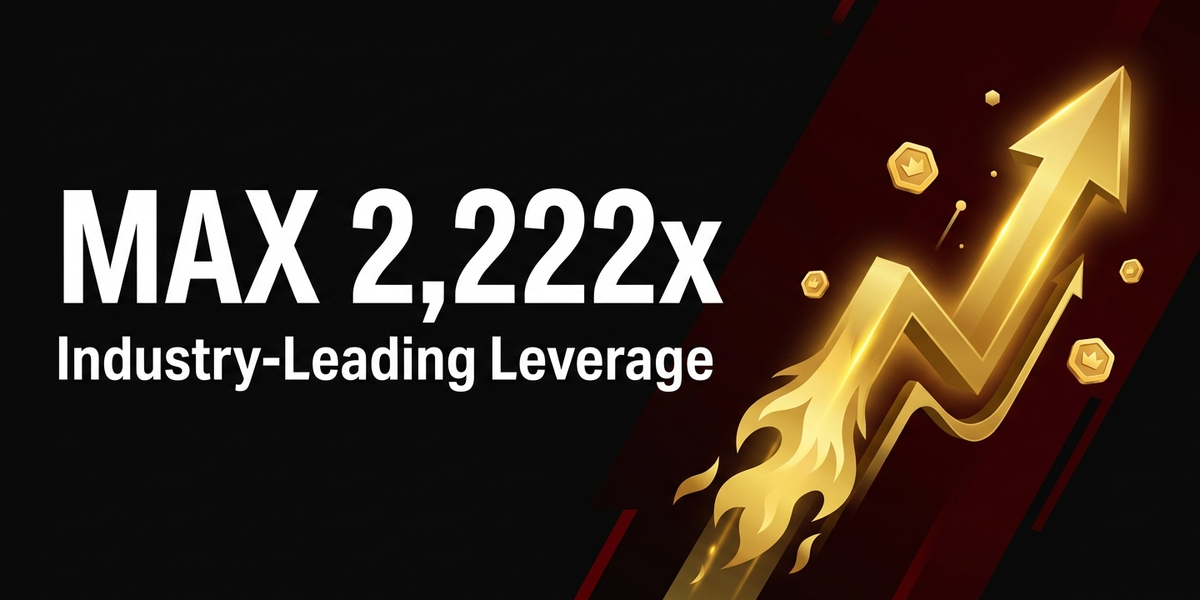
The Deluxe account offers industry-leading high leverage of up to 2,222x
BigBoss's Deluxe account offers leverage of up to 2,222x, which is among the highest levels in the industry for overseas forex brokers. It is suitable for traders who want to take large positions with a small amount of margin, and it also has a unique system that allows you to customize trading conditions with enhanced items such as the Deluxe Headset

REASON 02
A comprehensive bonus campaign with a four-tiered structure
BigBossmaximizes capital efficiency with its four-tiered bonus structure: a no-deposit account opening bonus, a 100% deposit bonus, a trading bonus, and a 10% BBC deposit bonus. Because it has a system in place that allows you to start trading with no initial capital, even beginners in overseas forex trading can try trading with reduced risk
REASON 03
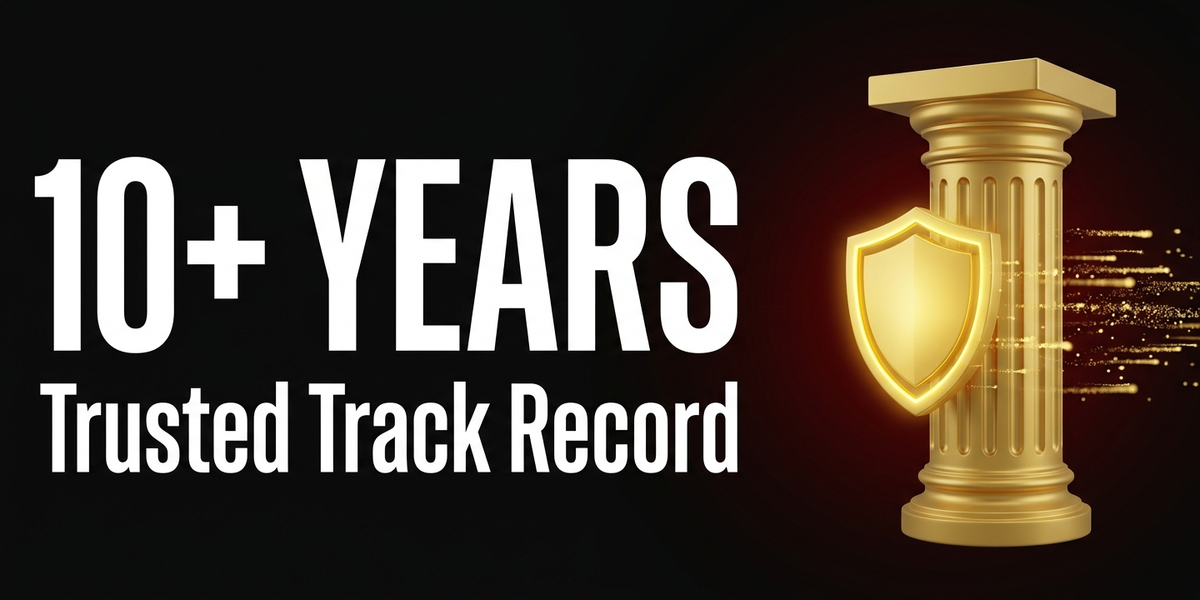
Trusted for over 10 years of operational experience and fast withdrawal speeds
BigBosshas been operating as an overseas forex broker for over 10 years since its brand was established in 2013. There have been no reports of withdrawal refusals, and withdrawals via BXONE are free of charge. Many users have praised the speed of withdrawals, and the reliability of their withdrawal process is highly regarded
ABOUT
BigBossWhat isComplete basic information.
Account type
Company Profile
 The operating companyis Big Boss Ltd. (BigBoss operated under a two-company system with
 Establishedin 2013 (brand founded)
 Head Office AddressPB1257 Bonovo Road, Fomboni, Mohéli, Comoros, KM
Transaction specifications
 Maximum leverage: 2,222x (Deluxe account) / 1,111x (Standard/ProSpread account)
 Products handled:
 currency pair—
 Trading tools:MT4 / MT5 / BigBoss Trends (BigBossQuickOrder Mobile) / WebTrader
 Zero cutadopted
 Japanese language supportavailable (email and chat).
EVALUATION
BigBoss's strengths and weaknesses
✅ Strengths
-
✓Up to 2,222x leverageThe Deluxe account offers industry-leading high leverage. From February 2026 onwards, the Deluxe Headset +5 will be included as standard equipment, allowing for 2,222x leverage upon account opening
-
✓Generous bonusesThe account opening bonus is approximately $93.75 (no deposit required) + 100% deposit bonus (up to $13,700) + trading bonus (4 USD per lot) + BBC deposit bonus, a four-tiered structure
-
✓Withdrawal speed and reliabilityWith over 10 years of operation, there have been no reports of withdrawal refusals. Withdrawals via BXONE are free of charge. Customer reviews also highly praise the speed of withdrawals
-
✓Comprehensive Japanese supportEmail and chat support are available in Japanese. We focus on providing user-friendly services for Japanese traders
-
✓No minimum deposit requiredThere are no minimum deposit requirements for any account type. Since you can start with a small amount, it's easy for beginners to get started
⚠️ Points to note
-
⚠The spread is a bit wideStandard accounts offer a minimum of 1.5 pips for USD/JPY, while Deluxe accounts offer a minimum of 1.7 pips. This is not ideal for scalping; if cost is a major concern, consider a ProSpread account orExness/ThreeTrader
-
⚠Lightweight licenseThey only hold minor licenses such as SVGIBC and MISA. They do not hold higher-level licenses such as CySEC or FCA, so their regulatory security level is only average
comprehensive evaluation
Recommended for: Traders who want to take advantage of high leverage and generous bonuses. Especially recommended for those who want to try high-leverage trading with a small amount of capital, those who prioritize bonus campaigns, and those who want to trade both cryptocurrencies and FX with the same broker.
Other recommended brokers: For scalping,ExnessorThreeTrader; for large deposits, weAxiory; and for execution quality being the top priority,Titan FXwe recommend
COMPARISON
\ You'll regret it if you don't know this /
Register directly from the official website vs.
Register from this page
| item | Register directly from the official website.from the official website Register directly |
 Register via Moneychavia Moneycha Register via Moneychavia MoneychaRegister |
|---|---|---|
| Cashback | none | You get $4.00 back per lot |
| Japanese support | Broker support only | Broker + MoneyChat (two points of contact) |
| Additional benefits | none | EA / Copy trading / Gacha / Tournaments, etc |
| Registration process | same | Same (5 minutes from the referral link) |
| Terms of Transaction | same | same |
Yet,if you go through MoneyChat,BigBossyou get cashback for every trade you make on
REVIEWS
BigBossreviews and testimonials
I was able to start with no initial capital thanks to an account opening bonus of approximately $93.75. I was also able to withdraw my profits, so it's legitimate
Source: X
The 2,222x leverage of the Deluxe account is interesting. The ability to customize with enhancement items is a unique concept not found in other companies
Source: X
BBP points accumulate steadily. It's nice when you win something in the gacha
Source: X
The Japanese support was excellent. I got a response immediately when I asked a question via chat
Source: Review site
The spread is wide. A 1.5 pip spread for USD/JPY on a Standard account is inferior compared toExness
Source: X
The Deluxe account has relatively high costs when you add up the fees and spreads. The game elements are a matter of personal preference
Source: X
GET STARTED
How to get started with BigBoss

via the referral link.
Access the official siteAccess the official site via the referral link.
Cashback will not be provided unless you use Manecha's referral link
Approximately 10 seconds
Enter the
open an account.required information to
Submit your name, email address, and identification documents. Select your account type
Approximately 3 minutes
Deposit money
.and start trading
Once approved, you will earn cashback for each transaction
Immediate reflectionGet cashback automatically in 1 minute by using the referral link
EXTRA BENEFITS
BigBossEven with providers other than
you can get cashback
if you register with Moneycha.
Money Charger is an overseas Forex cashback service.
It supports 25+ brokers and has an approx. $125M payment record.

Supports 25 vendors
Cashback available from companies other than BigBoss

Centralized management
Manage the income and expenses of all businesses with a single MoneyChat account
Five benefits you can receive by registering with Moneycha

Free support
Japanese chat support
available for troubleshooting trading and withdrawal issues.

OMEGA EA
EA, winner of the Tenkaichi Budokai, currently has
83 active players.

AI Copy Training
AI is currently trading 24 hours a day
with 56 participants.

Tenkaichi Budokai
A tournament to determine the strongest EA developer

Gacha Mission
Earn points through transactions → Receive fantastic prizes
receive benefits →
1 minute, completely free
FAQ
Frequently Asked Questions about BigBoss
Yes, it's completely free. There are basically no maintenance fees either
Input takes as little as 5 minutes, and identity verification is usually completed within one business day. Using Quick Account Opening allows for even faster account opening
This feature is exclusive to Deluxe accounts and allows you to customize leverage, stop-loss levels, commission cashback, swap reduction, and more by equipping items. These items can be purchased with BBP or BBC
Deluxe accounts offer a maximum leverage of 2,222x. From February 2026 onwards, the Deluxe Headset +5 will be included as standard equipment, and 2,222x leverage will be available from the moment you open your account. Standard and ProSpread accounts offer a maximum leverage of 1,111x
There are four types of bonuses available: an account opening bonus of approximately $93.75 (no deposit required), a 100% deposit bonus (up to $13,700), a trading bonus (4 USD per lot), and a 10% BBC deposit bonus
Yes, in addition to cryptocurrency CFDs (30 instruments available in Deluxe and Standard accounts), spot trading of cryptocurrencies (6 instruments) is also possible with a CRYPTOS account
Existing accounts are generally not eligible, but you can be included by opening an additional account and registering it with MoneyChat. Changing partners for existing accounts is not permitted
No.BigBossdoes not currently support auto-rebates. To receive cashback, please register your account number on your MoneyChat My Page
RELATED
Related information about BigBoss

Account Opening Guide
A complete guide to opening a BigBossaccount

Leverage Explanation
Detailed information on the leverage specifications of BigBoss

Withdrawal Guide
BigBossWithdrawal Methods and Troubleshooting

Bonus Information
BigBoss's latest campaign

Reviews and testimonials
Real reviews of BigBoss

Cashback details
BigBossCashback Rate Comparison by Account Type

Warning about fake IB sites
Beware of fake BigBosswebsites

Comparison with other companies
List of comparison articles between BigBoss and other companies
Start using BigBossBigBoss the most cost-effective way.
Earn monthly cashback in USD instead of registering directly.
Start from the referral link in about 1 minute.

Get cashback automatically in 1 minute by using the referral link