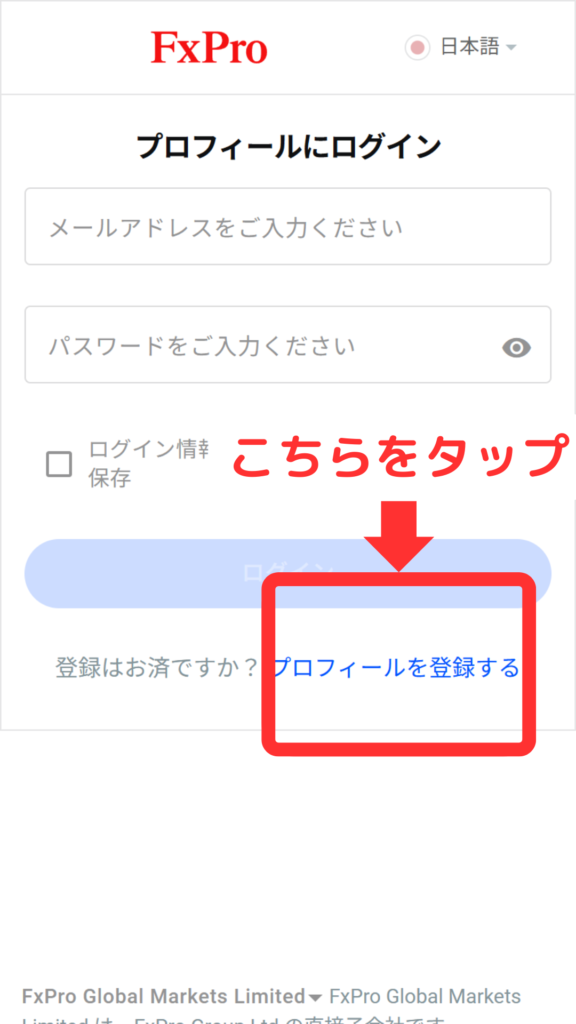
This article explains how to change (switch) your IB (Introducing Broker) link with FxPro
*This page is for those who registered with FxPro first, then MoneyCharger.
It does not apply to those who registered with FxPro via a referral link from their MoneyCharger account.
(However, this procedure is also required if you registered with FxPro without using a referral link.)
You can easily change (switch) your IB (Internet Budget) link in just two steps
- Step 1: Send an email to FxPro requesting a change in IB (Introducing Broker) linkage
- Step 2: Apply for FX account registration from your MoneyCharger My Page
Step 1: Send an email to FxPro requesting a change in IB (Introducing Broker) linkage
① Send an email to FxPro
Please send an email to japan.support@fxpro.com using the template below from the email address you registered with FX PRO
<Email Subject>
Request for IB Change
<Email Content>
I would like to request a change in my linked IB.
Name: xxxxxx
Account number for which you wish to change IB: xxxxxx
Current IB number and desired IB number: 297SRfgLt
*Please fill in your name and account number in the blanks.
*Please be sure to enter "297SRfgLt" in the fields for your current IB number and the IB number you wish to change to.
*Please note that your change will not be accepted unless you send an email from the email address you registered with FXPRO.
② Check your email from FX PRO
Once the changes are successfully completed, you will receive an email from FX PRO, so please check your inbox
The procedures at FxPro are now complete.
Next, we will proceed with the procedures at MoneyChat.
Step 2: Request an IB change from My Page
Next, you will apply to register for an FX account from your MoneyCharger My Page
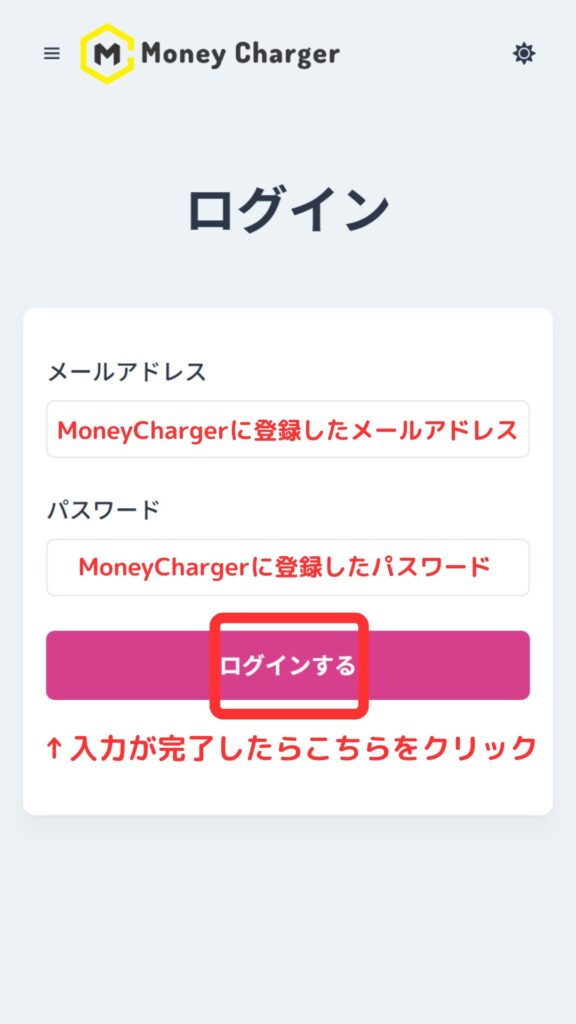
1. Go to the MoneyCharger My Page login screen from the link below
The login page for MoneyCharger is here
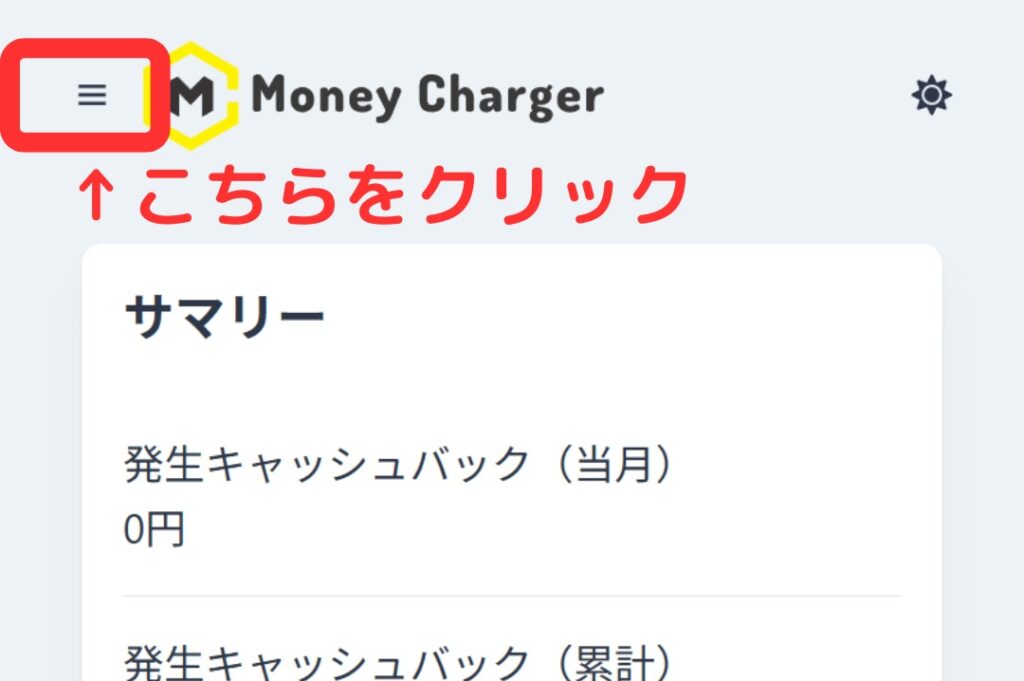
2. Click the three lines in the upper left corner
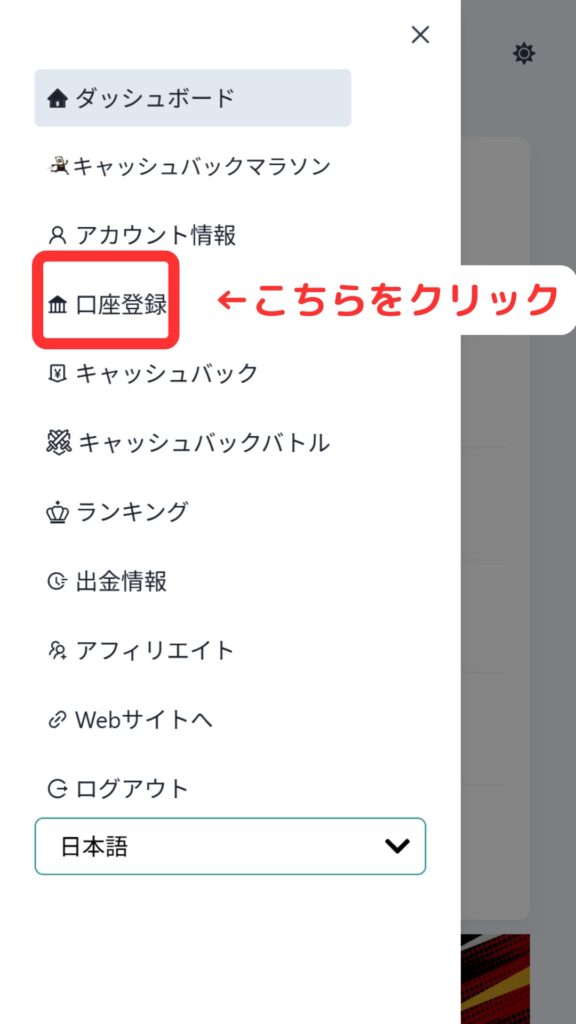
3. Click "Register Account"
4. Enter the required information

Thank you for your hard work. Your application is now complete
If there are no problems with your application within one business day of submission, the status at the bottom of "Account Registration" will change to "Approved"
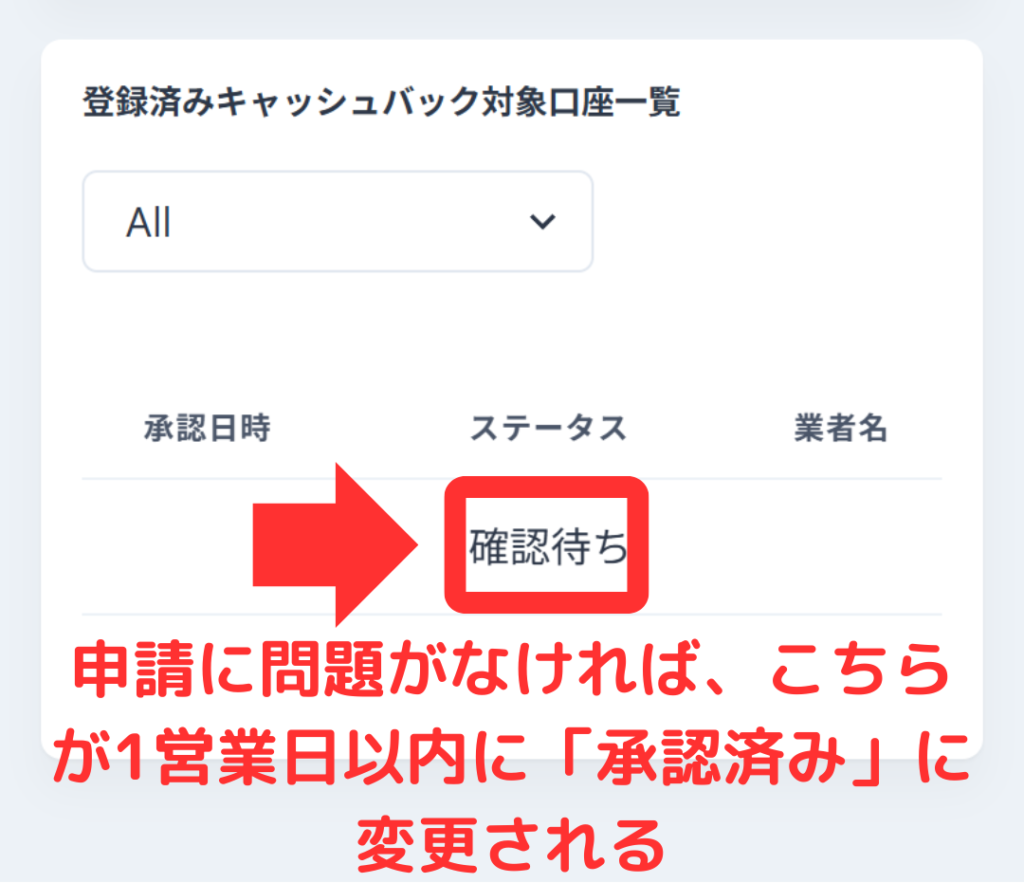
The IB linking is now complete, and you can start receiving cashback with MoneyCharger
In conclusion
The above explains how to change (switch) your IB (Introducing Broker) link with FxPro
Next, let's check the withdrawal procedure on your Money Charger My Page